IK & retargeting
Animation graphs can carry more than a state machine. Each graph can add foot IK, hand IK, look-at, root motion and montages, applied after the graph has posed the character each frame. Humanoid rig maps let one clip library drive characters whose skeletons use different bone names.
All of these settings live in Window → Animation graphs, below the state machine of the selected graph. Read Animation graphs first.
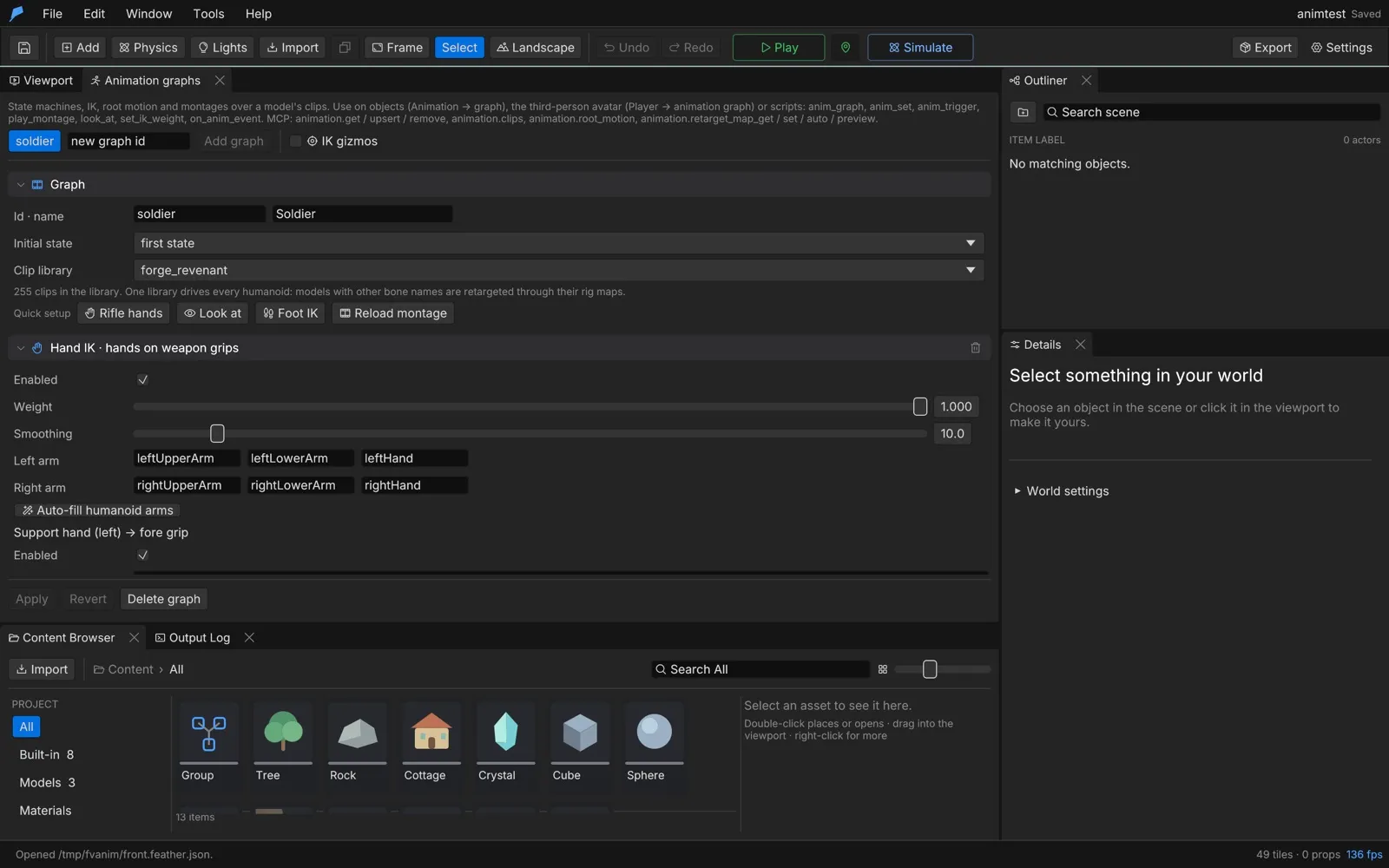
Quick setup
Section titled “Quick setup”The Quick setup row adds a working starting point to the selected graph:
| Button | Adds |
|---|---|
| Rifle hands | Hand IK with the support hand on the weapon’s fore grip |
| Look at | Look-at: the spine, neck and head follow the camera aim (avatar) or the player (other characters) |
| Foot IK | Foot IK with humanoid leg bones |
| Reload montage | An upper-body reload montage that releases the support hand, with mag_out and mag_in notifies |
Click Apply to keep the result. Turn on IK gizmos to draw IK chains, grip targets, elbow poles and look targets in the viewport during Play.
Humanoid bone names
Section titled “Humanoid bone names”IK, montage masks and retargeting refer to bones by canonical humanoid names, the naming used by the
VRM format: hips, spine, chest, upperChest, neck, head, and left/right + Shoulder,
UpperArm, LowerArm, Hand, UpperLeg, LowerLeg, Foot and Toes. Finger joints follow the same
pattern, such as leftIndexProximal. Each model’s rig map resolves these names to its own bones, so the
same graph settings work across rigs.
Foot IK
Section titled “Foot IK”Foot IK plants both feet on the terrain. It drops the hips to the lower foot’s ground and bends each leg with a two-bone solver, so feet rest on slopes and steps.
| Setting | Description | Default | Range |
|---|---|---|---|
| Pelvis | The bone lowered so the lower foot reaches its ground | hips |
— |
| Left leg, Right leg | Hip, knee and foot bones | leftUpperLeg, leftLowerLeg, leftFoot (and right) |
— |
| Max adjust | Largest correction | 0.45 m | 0 to 2 m |
| Smoothing | How fast corrections follow the ground, per second | 12 | 0.1 to 100 |
Hand IK
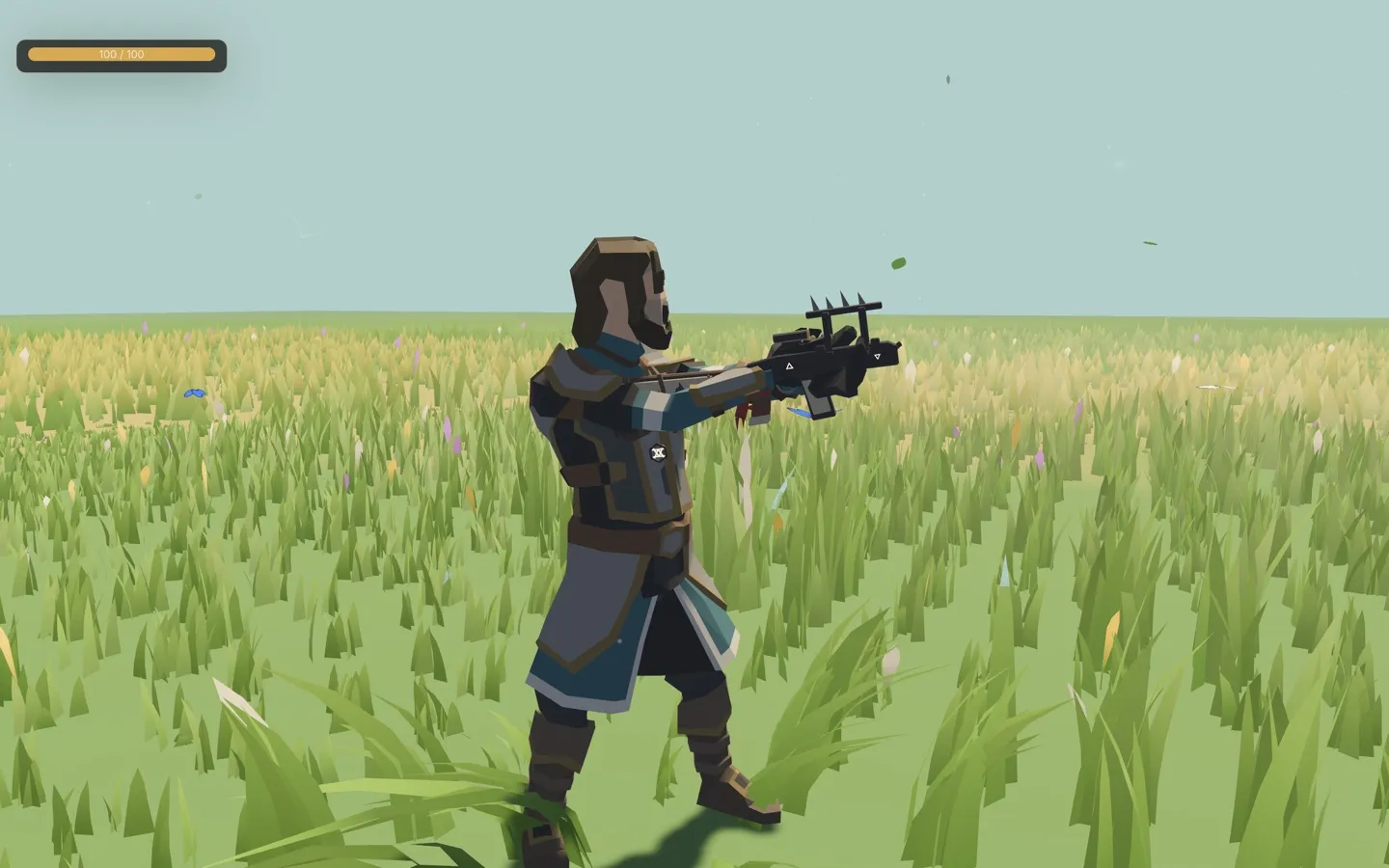
Section titled “Hand IK”Hand IK bends two-bone arms so the support hand holds the weapon’s fore grip and, optionally, the trigger hand holds its pistol grip. Elbows bend toward pole hints. It works on the third-person avatar and on enemies holding weapons.
Give the avatar a weapon under World & terrain → Player → Held models (weapons): choose a model and the
bone it hangs from, such as rightHand.
| Setting | Description | Default | Range |
|---|---|---|---|
| Weight | Overall blend | 1 | 0 to 1 |
| Smoothing | How fast the weight follows releases, per second | 10 | 0.1 to 100 |
| Left arm, Right arm | Upper arm, lower arm and hand bones | Humanoid arm bones | — |
Each hand has a target: Support hand (left) → fore grip and Trigger hand (right) → pistol grip. The trigger hand target is off by default.
| Target setting | Description |
|---|---|
| Grip sockets | Node names searched under the character, such as grip_left on the weapon model. The first match wins; up to 16 |
| Else follow | The bone used when no socket exists, such as rightHand |
| Offset m | Offset in that bone’s frame, within ±5 m |
| Rotation ° | Extra rotation, within ±360° |
| Match grip turn | How much the hand turns to match the grip, 0 to 1 |
| Elbow pole | Elbow hint from the shoulder (outward, up, forward), in metres |
Without a socket, the default support-hand target sits 25 cm up the held weapon’s barrel from the pistol grip.
Look-at
Section titled “Look-at”Look-at turns the spine, neck and head toward a target, sharing the turn across a chain of bones within angle limits.
| Setting | Description | Default | Range |
|---|---|---|---|
| Weight | Overall blend | 1 | 0 to 1 |
| Looks at | Aim / player: the camera aim for the avatar, the player for other characters. Player: the player character. Script only: targets from look_at |
Aim / player | — |
| Chain | Bones from the hips up, each with its share of the turn | spine 0.15, chest 0.15, upperChest 0.1, neck 0.25, head 0.35 |
1 to 8 bones |
| Max yaw | Largest sideways turn | 70° | 0 to 180° |
| Max pitch | Largest up or down turn | 45° | 0 to 90° |
| Behind falloff | Angle over which the look fades for targets behind | 50° | 0 to 180° |
| Smoothing | Per second | 8 | 0.1 to 100 |
| Range | Targets further away are ignored | 25 m | 0.5 to 500 m |
Retargeting
Section titled “Retargeting”Every character model has a humanoid map from canonical bone names to its own bone names. The engine detects the map from the bone names in the model’s GLB and recognises these naming conventions:
| Rig kind | Example bone names |
|---|---|
| Synty | Pelvis, UpperArm_L, Thigh_L |
| Mixamo | mixamorig:LeftArm |
| VRM / Character Forge | leftUpperArm |
| Generic | UpperArm.L and similar |
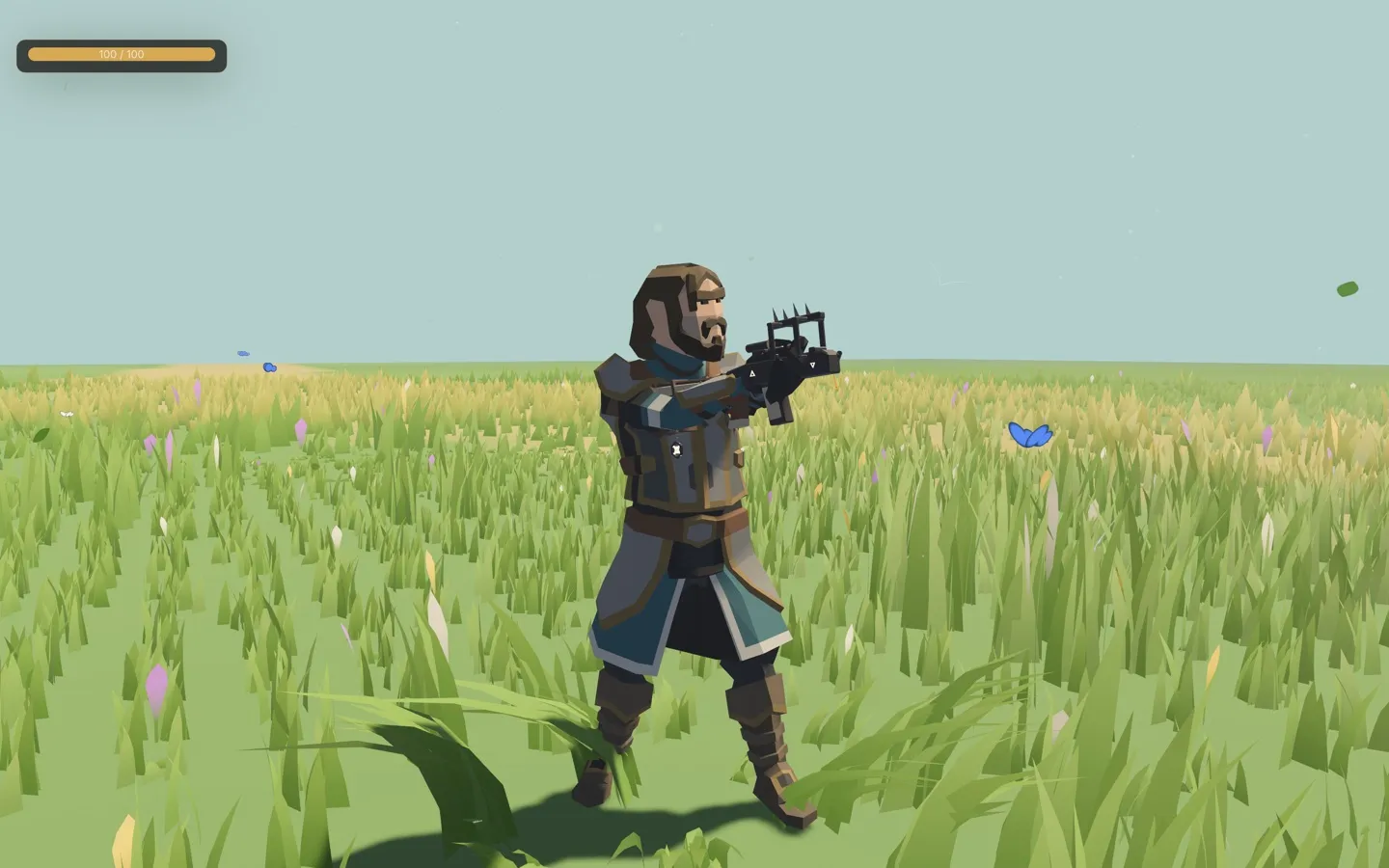
When a model’s bone names differ from those of its graph’s clip library, the clips are retargeted automatically. Retargeting corrects for different rest poses (T-pose or A-pose), facing and proportions, including armatures exported at 0.01 scale. One clip library can drive many characters.
Check or fix a rig map
Section titled “Check or fix a rig map”- In Retarget map · humanoid bones, choose the character’s Model.
- Click Read bones to list its bones, or Auto-match to detect the map and store it in the project.
- The header shows how many bones are mapped and lists required bones that are missing.
- Change any mapping by hand. Back to the detected bone undoes one override; Reset to detected removes them all.
- Under Check a clip on another model, pick a clip and a second model and click Check to compare the two poses.
Chest, upper chest, shoulders and toes are optional. Every other body bone is required.
IK without an animation graph
Section titled “IK without an animation graph”Enemies and NPCs often run without a graph. Give their model hand IK or look-at directly under IK for this model without a graph (enemies), then click Apply rig IK. The settings have the same shape as on a graph.
Root motion
Section titled “Root motion”By default, clips play in place and the character controller moves the character. Root motion lets selected clips move the character by the distance their root bone travels, which suits dodges, vaults, lunges and authored walk cycles. It works with graph blending: the travel is weighted like the blend.
| Setting | Description | Default |
|---|---|---|
| Root bone | The bone that carries the motion: a humanoid name or the rig’s own root | hips |
| Turn with clip | Also turn the character by the clip’s yaw | Off |
| Tick clips that travel | The clips that move the character; others play in place. Up to 64 | None |
Use animation.root_motion to measure how far and fast each clip travels before you tick it.
Montages
Section titled “Montages”A montage is a one-shot clip, such as a reload, melee swing or emote, played over the graph. It blends in, plays on a bone mask, fires notifies and blends out at its end or when stopped. A new montage interrupts the playing one unless that one is not interruptible.
| Setting | Description | Default | Range |
|---|---|---|---|
| Clip | The clip to play | — | — |
| Mask | Full body, Upper body (the spine and above; the legs keep the graph’s locomotion), Arms (both arms from the shoulders) or Custom | Full body | — |
| Mask roots | For Custom: bones whose subtrees play the montage | None | Up to 16 |
| Blend in, Blend out | Seconds | 0.15, 0.2 | 0 to 5 s |
| Speed | Playback rate | 1 | 0.05 to 10 |
| Notifies | Points in the clip (0 to 1) that call on_anim_event and can play a sound |
None | Up to 32 |
| Root motion | Move the character by the clip’s travel | Off | — |
| Release hands | Let go of hand IK while playing, for reloads | Off | — |
| Interruptible | Whether a new montage can cut this one short | On | — |
You can also play a montage straight from a clip name without defining it on the graph.
Script API
Section titled “Script API”Pass the character’s object ID, or "player" for the third-person avatar.
| Function | Description |
|---|---|
play_montage(id, clip) |
Plays a graph montage by ID, or a clip by name |
play_montage(id, clip, options) |
Overrides mask ("full", "upper", "arms" or "custom"), blend, speed and root_motion |
stop_montage(id), stop_montage(id, blend) |
Stops the montage, with an optional blend-out in seconds (0 to 5) |
montage_playing(id) |
The playing montage, or an empty string |
look_at(id, target) |
Sets a look target: a vec3, [x, y, z], "player", an object handle or an object ID |
clear_look(id) |
Clears the script look target |
set_ik_weight(id, chain, weight) |
Scales "feet", "hands" or "look" IK, 0 to 1 |
Montage notifies reach world scripts through the on_anim_event(id, name) hook.
fn on_key(key) {    if key == "R" {        play_montage("player", "reload", #{ mask: "upper", blend: 0.1 });    }}
fn on_anim_event(id, name) {    if name == "mag_in" {        print("Reloaded");    }}
Automate it
Section titled “Automate it”| Command | Purpose |
|---|---|
animation.upsert |
Sets foot_ik, hand_ik, look_at, root_motion and montages on a graph |
animation.retarget_map_get |
A model’s bones, the detected map, overrides and missing bones |
animation.retarget_auto |
Detects and stores a model’s map; keep_overrides keeps hand-set bones |
animation.retarget_map_set |
Overrides bones (null removes one), sets rig IK, or removes the map |
animation.retarget_preview |
Samples a clip on another model and reports limb angle errors; under about 5° is a good map |
animation.root_motion |
Measures each clip’s travel, speed and turn |
Detect a model’s rig, then check a clip from another model on it:
feather-cli --connect .feather-session.json command animation.retarget_auto \  --json '{"asset_id":12}'
feather-cli --connect .feather-session.json command animation.retarget_preview \  --json '{"source_asset_id":7,"target_asset_id":12,"clip":"Run"}'
See Agents & automation for connecting a live session.