
Game development, simplified.
A native engine with 20 working systems that react to each other out of the box. Simple to pick up, fast to run and built for AI agents from day one.
Free · macOS (Apple Silicon) · 20 systems · 270 agent commands · Native Rust
- built-in systems
- 20
- engine commands for agents
- 270
- median fps in a 1,553-object world
- 145
- native, compiled engine
- Rust
Spend your time on the game, not the engine.
Every game needs a player, physics, menus, saves, sound and a way to tell its story. Feather ships those as working systems, so you start from something that plays and shape it into yours.
Simple
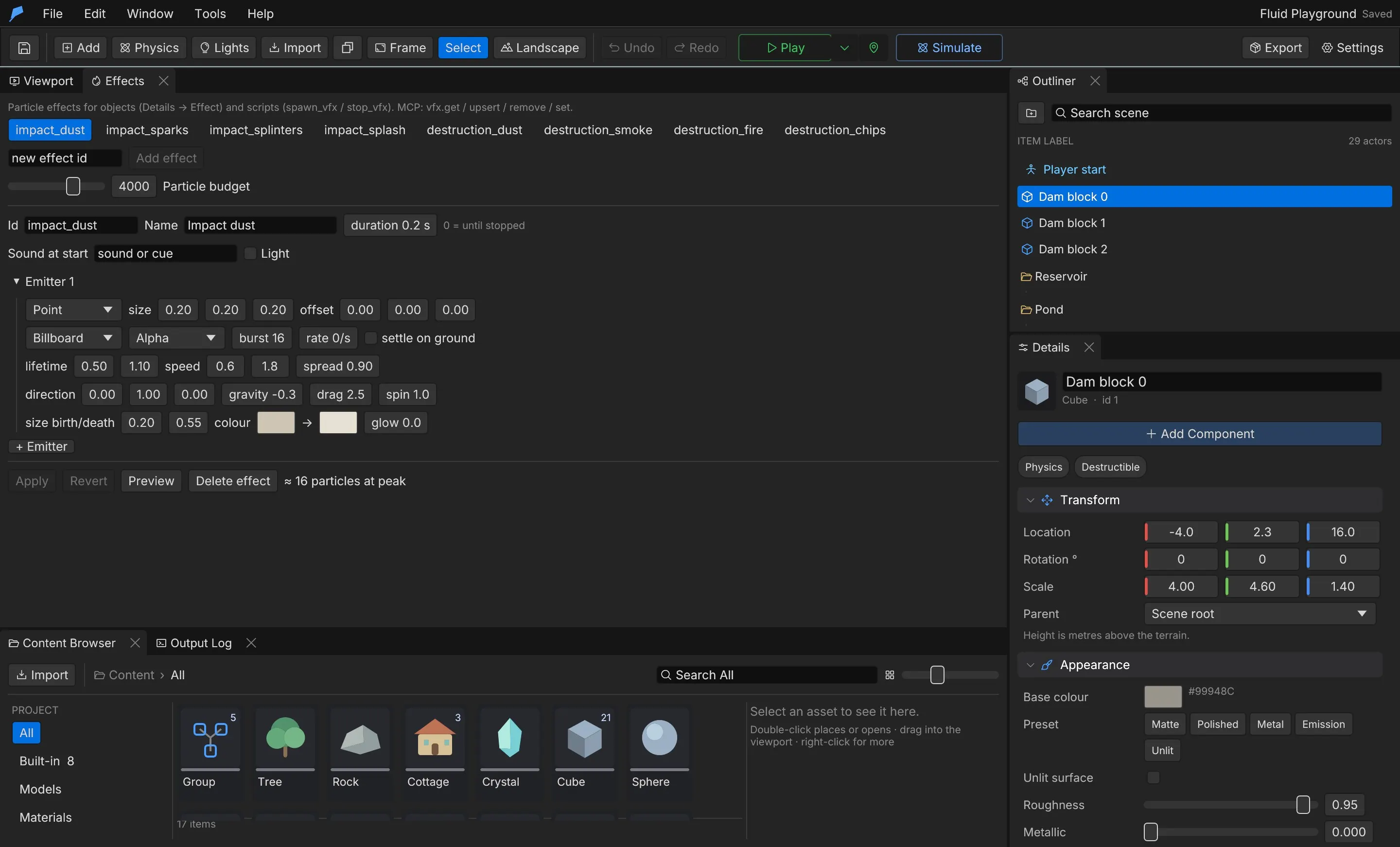
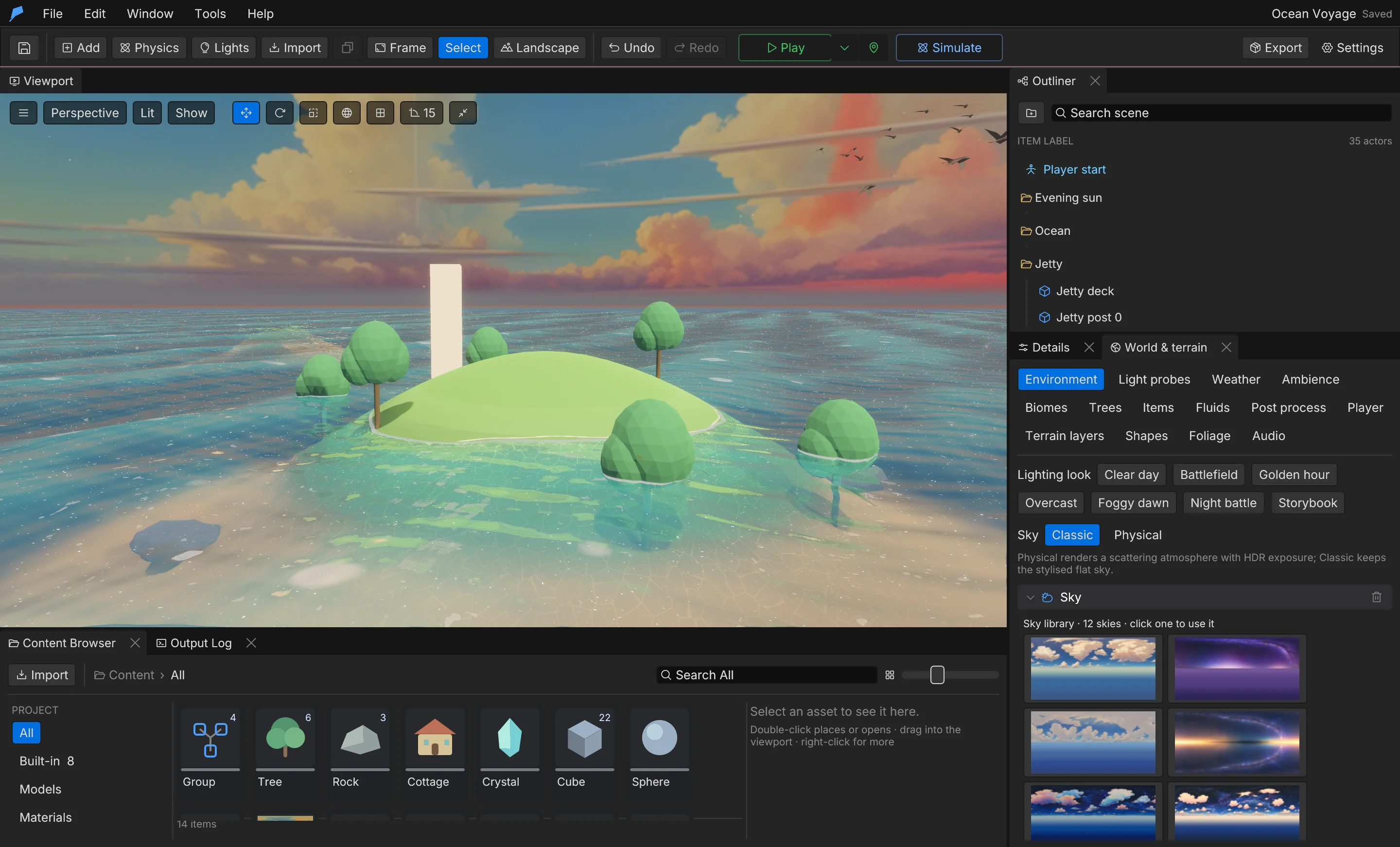
One clear editor with sensible defaults. Open an example, press Play and start shaping your game in minutes.
Complete
20 ready-made systems — from combat and inventory to weather, story and saves — that you extend instead of rebuild.
Fast
A native engine written in Rust, with a profiler built in so you can see frame times and memory while you play.
Agent-ready
270 commands over CLI and MCP. Agents build, play-test and verify your game through the same path as the editor.
Made in Feather.
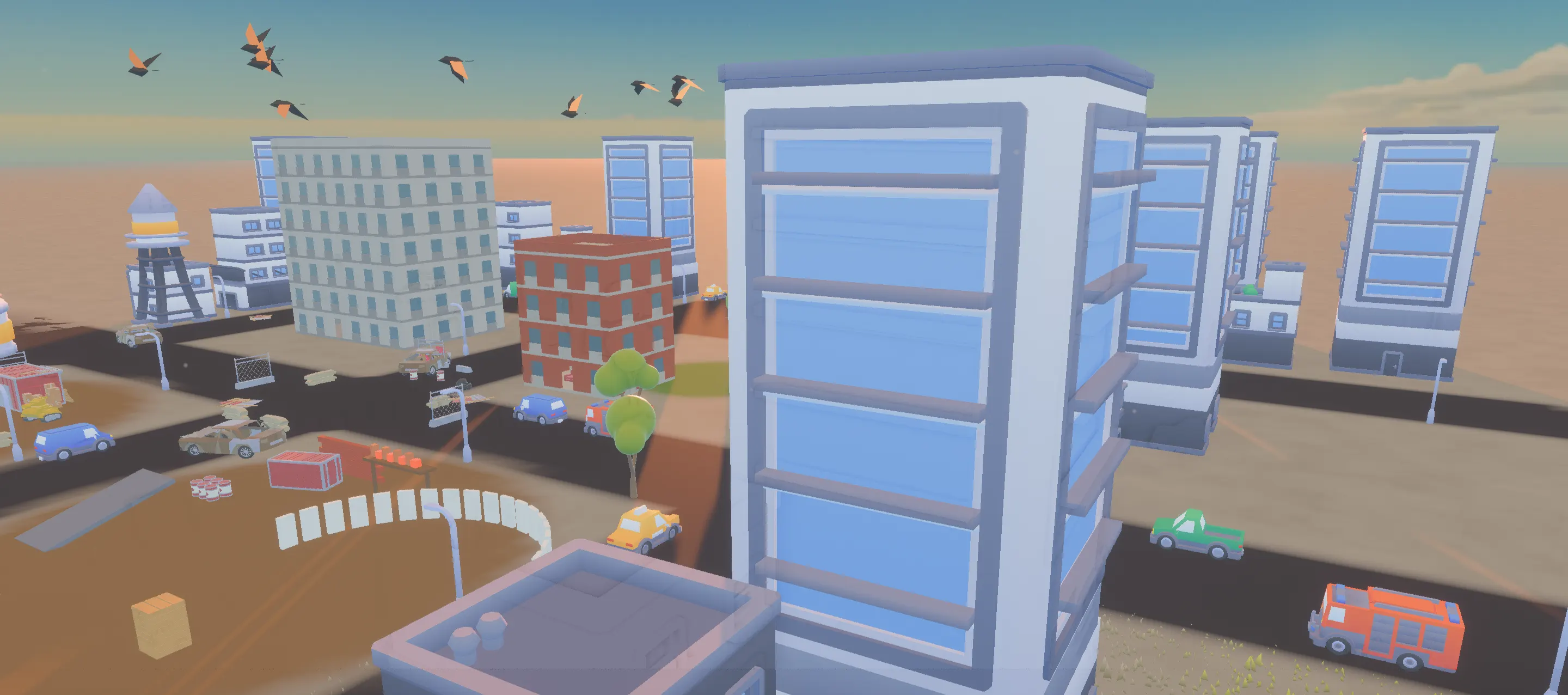
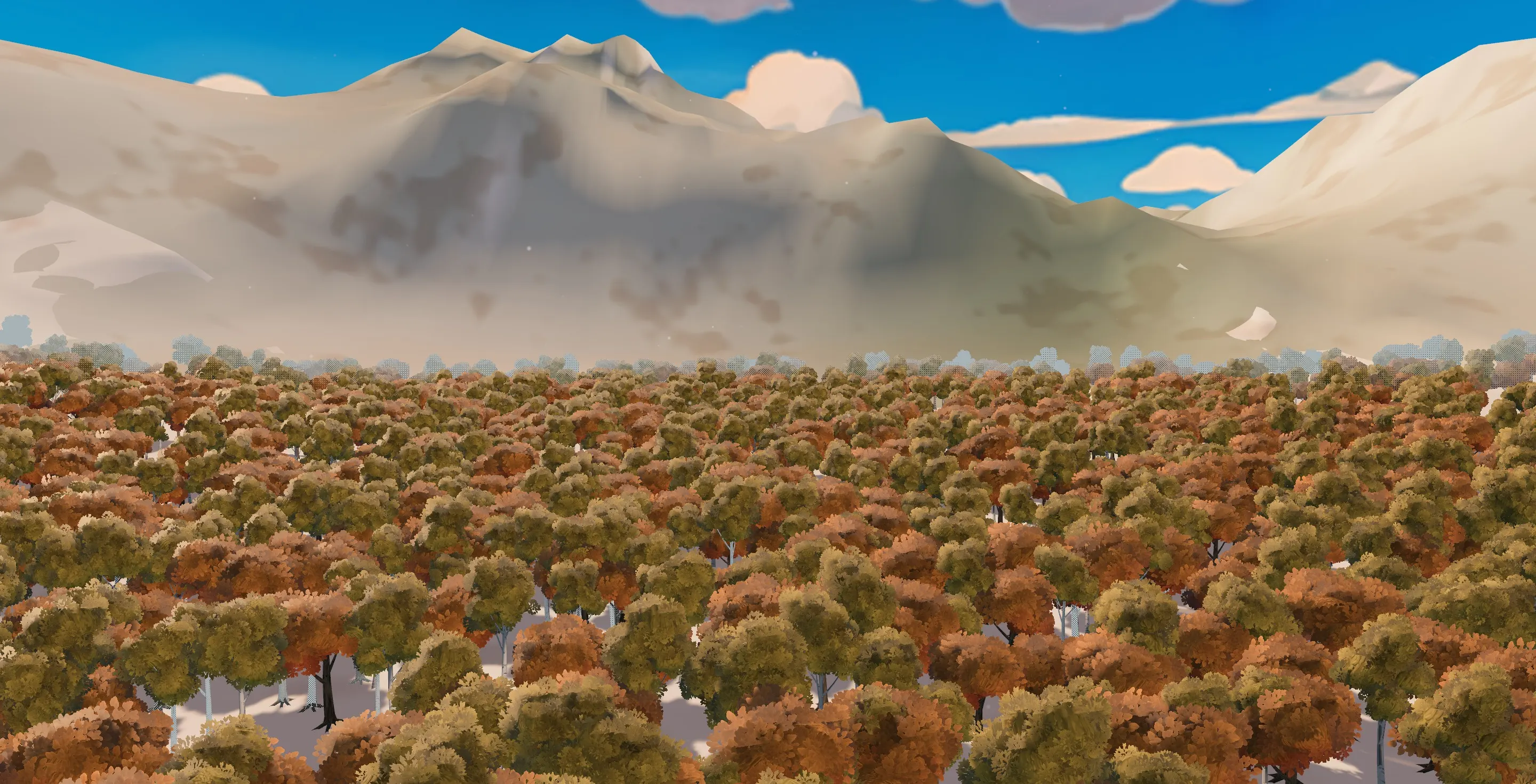
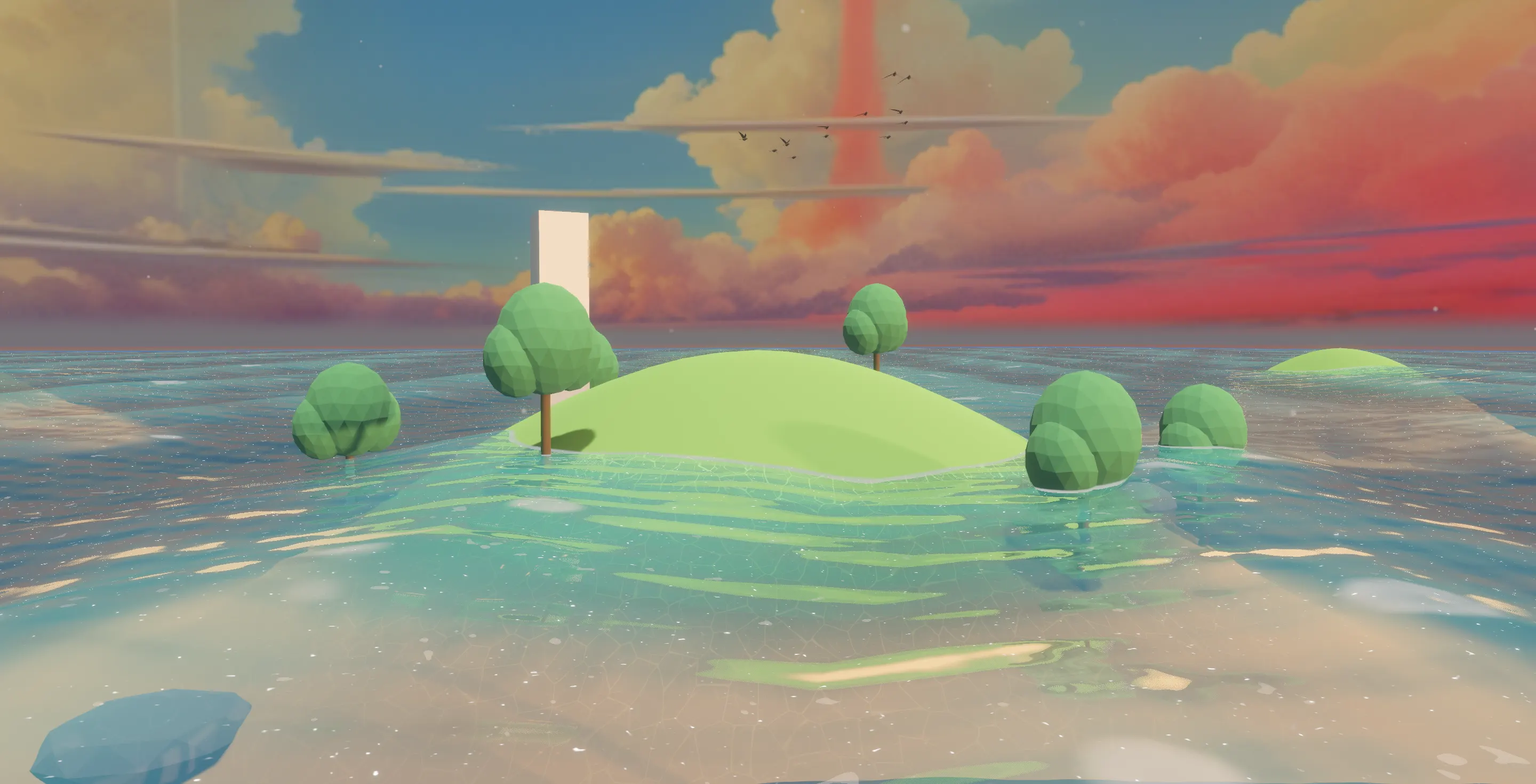
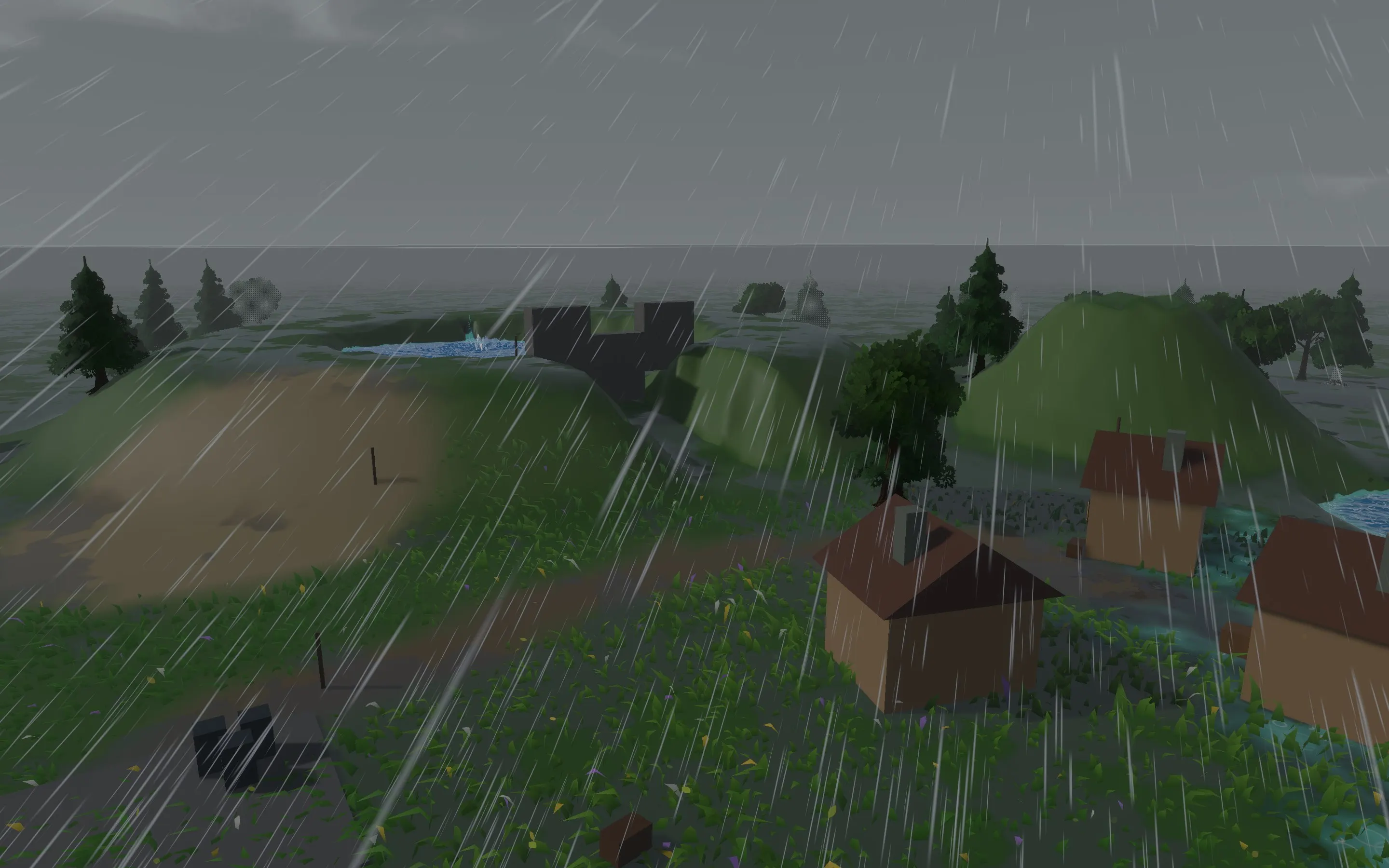
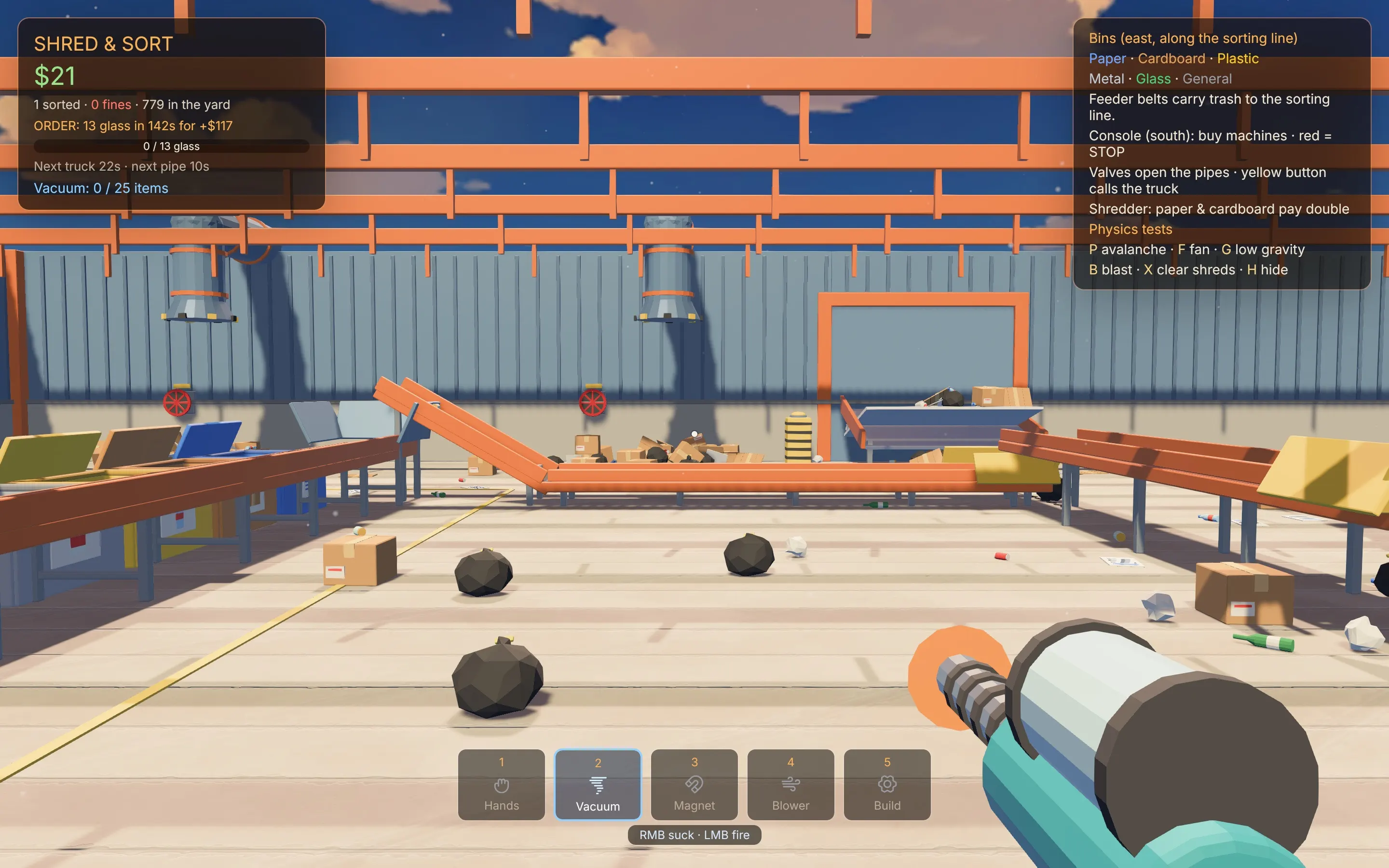
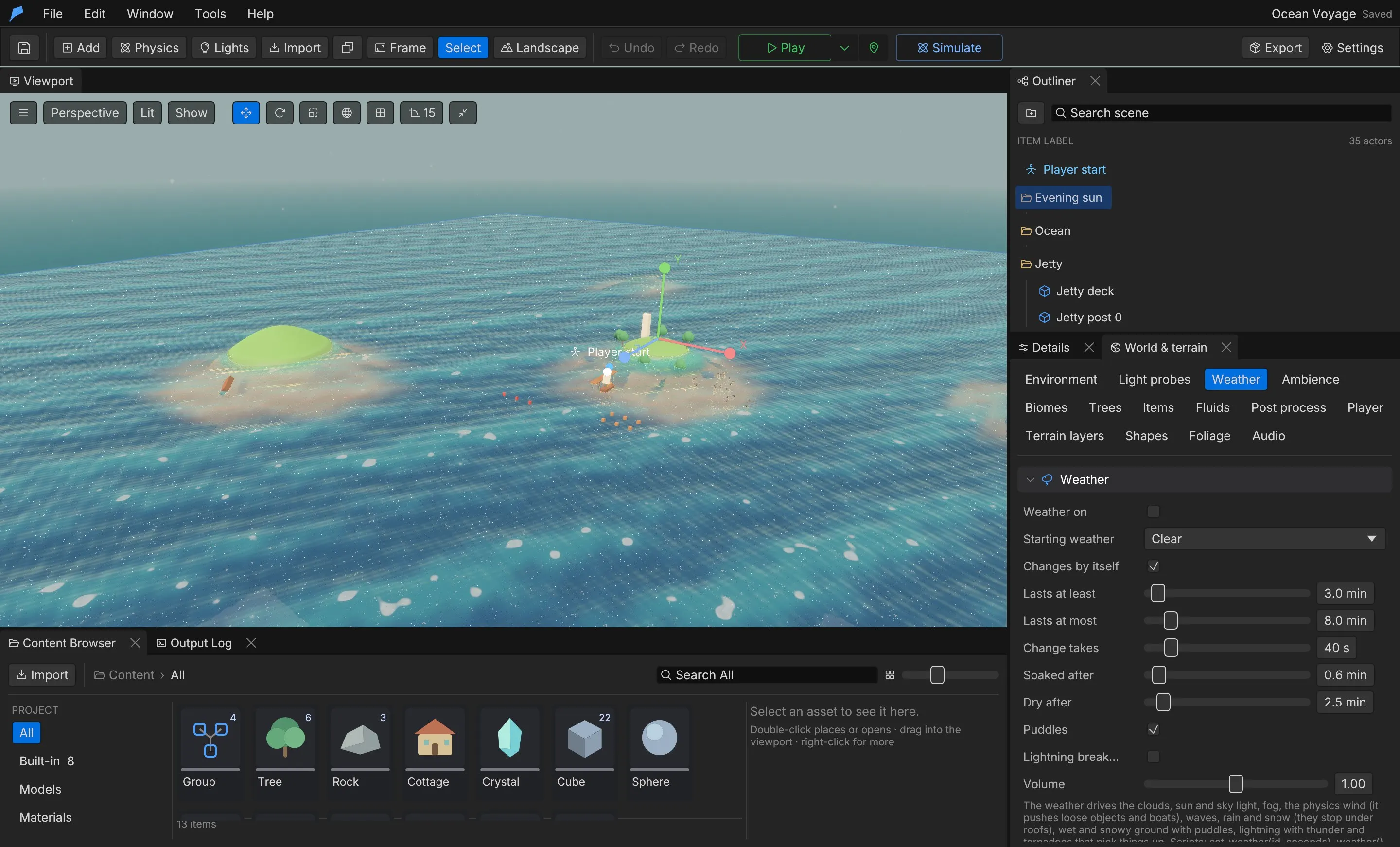
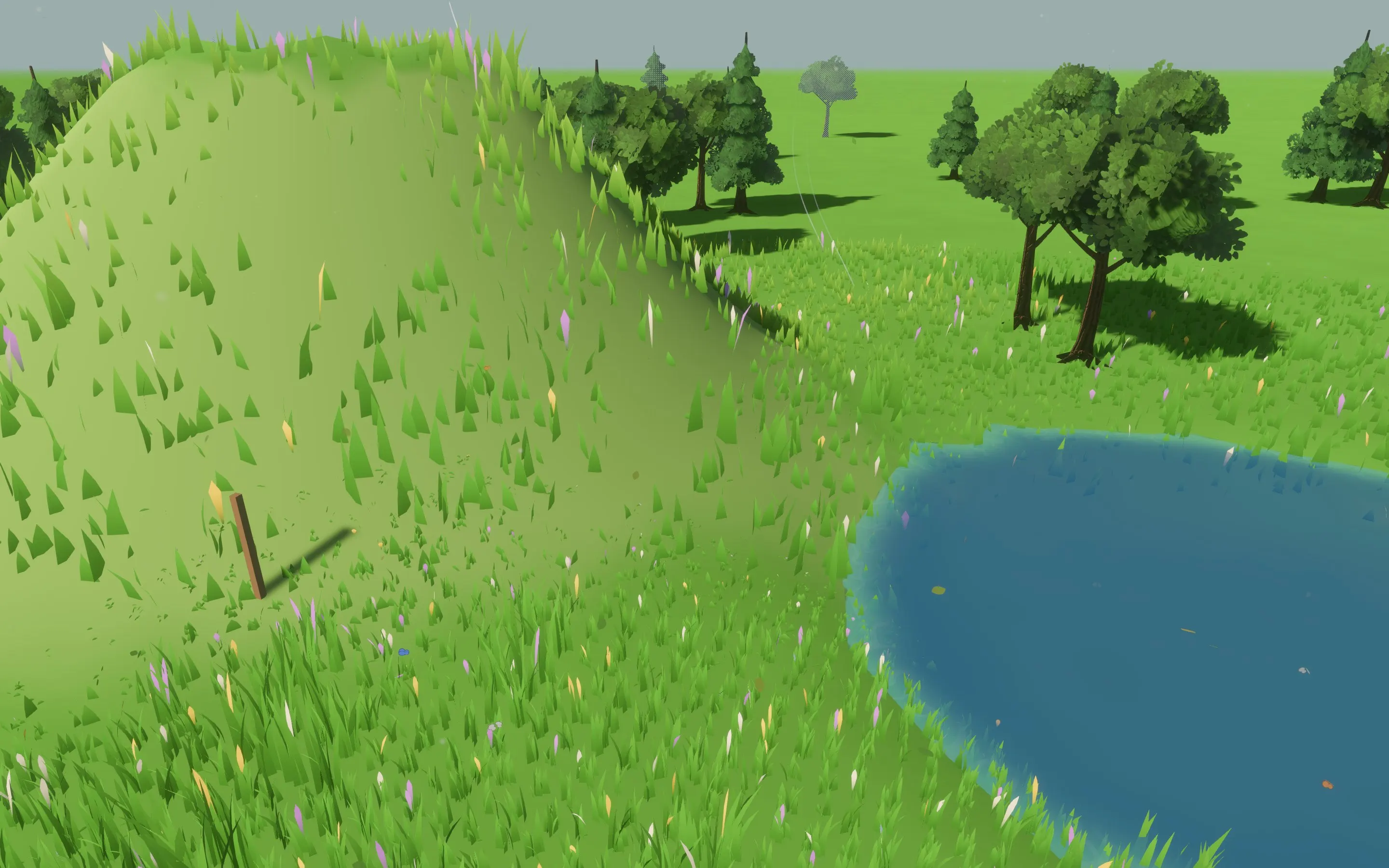
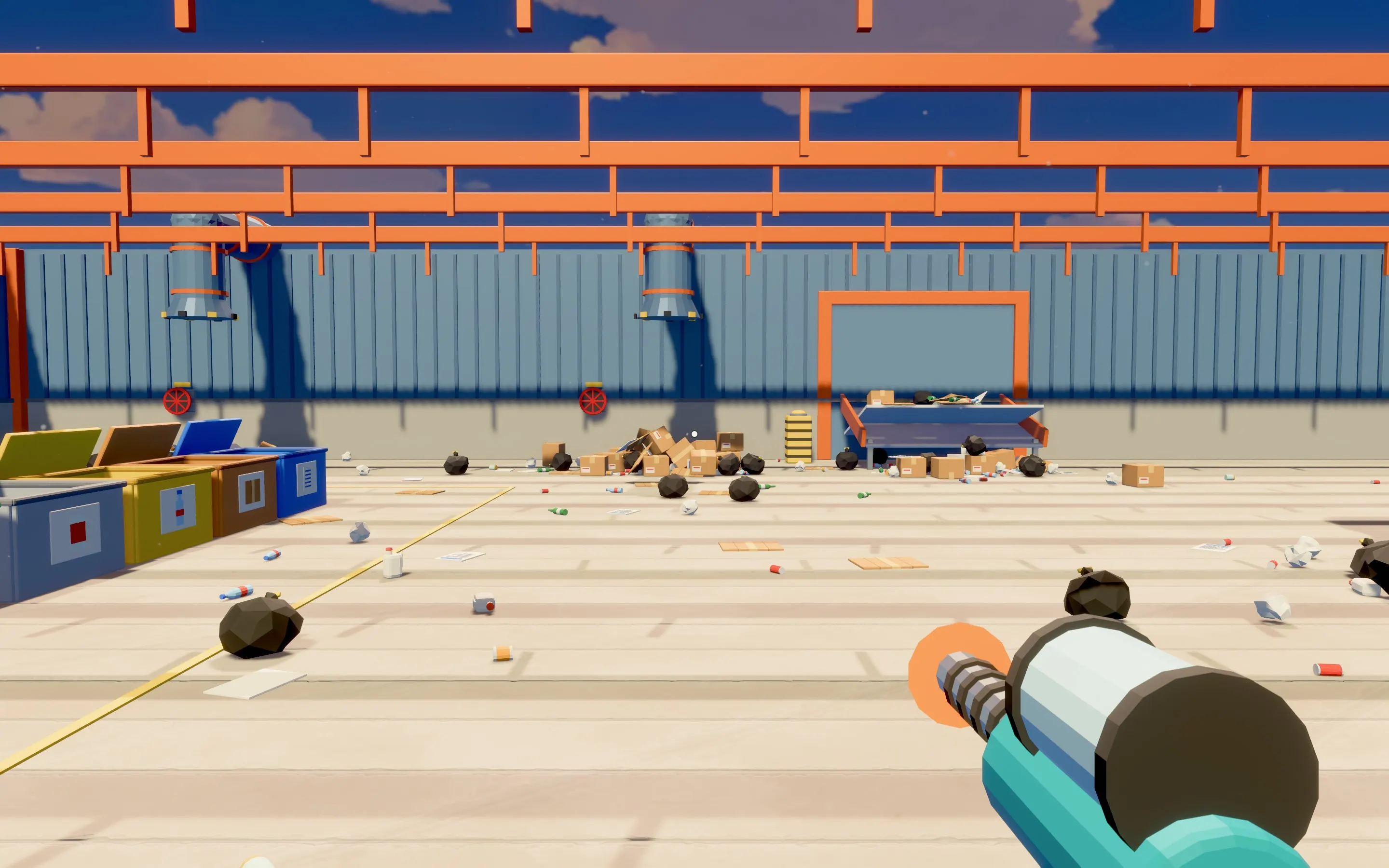
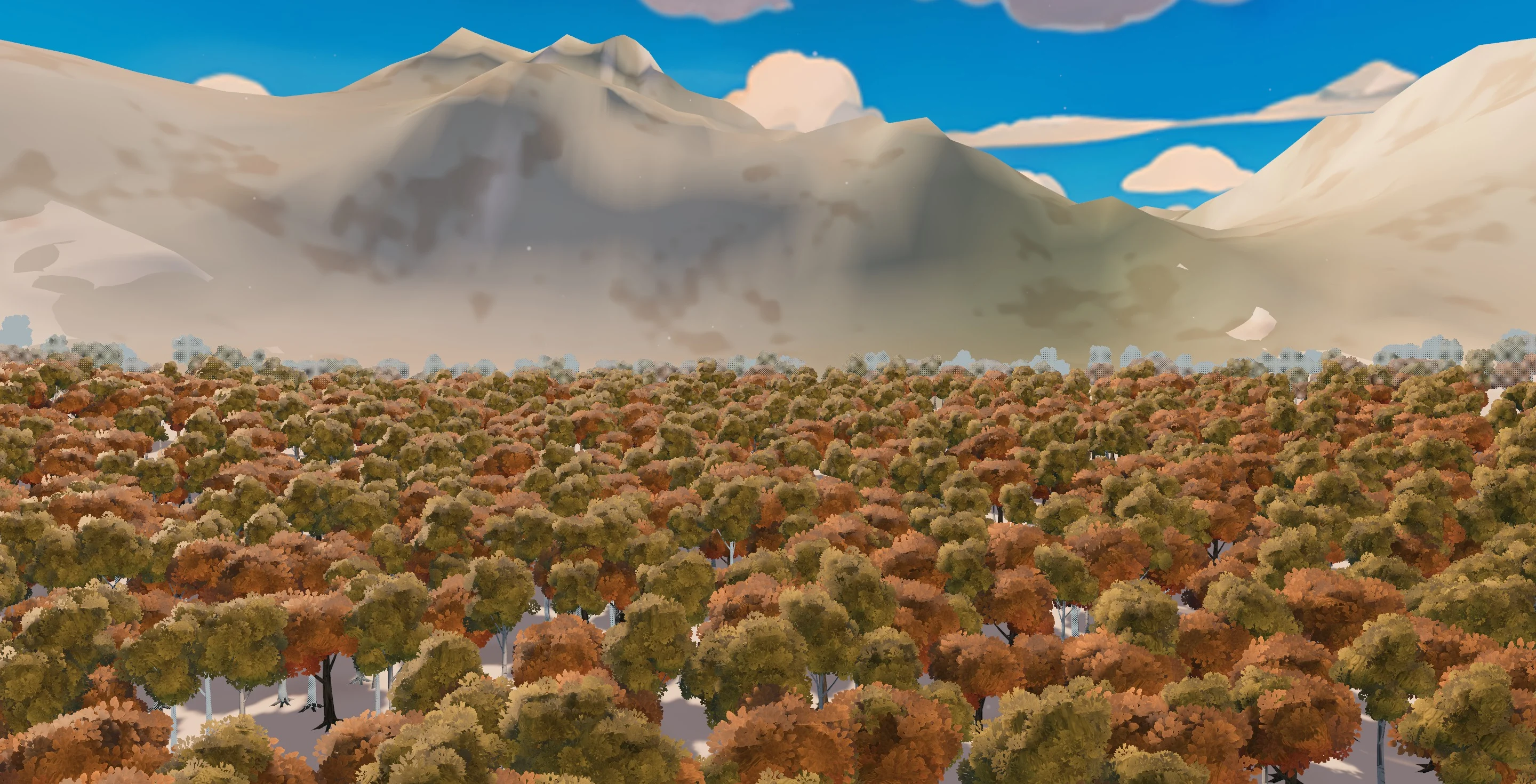
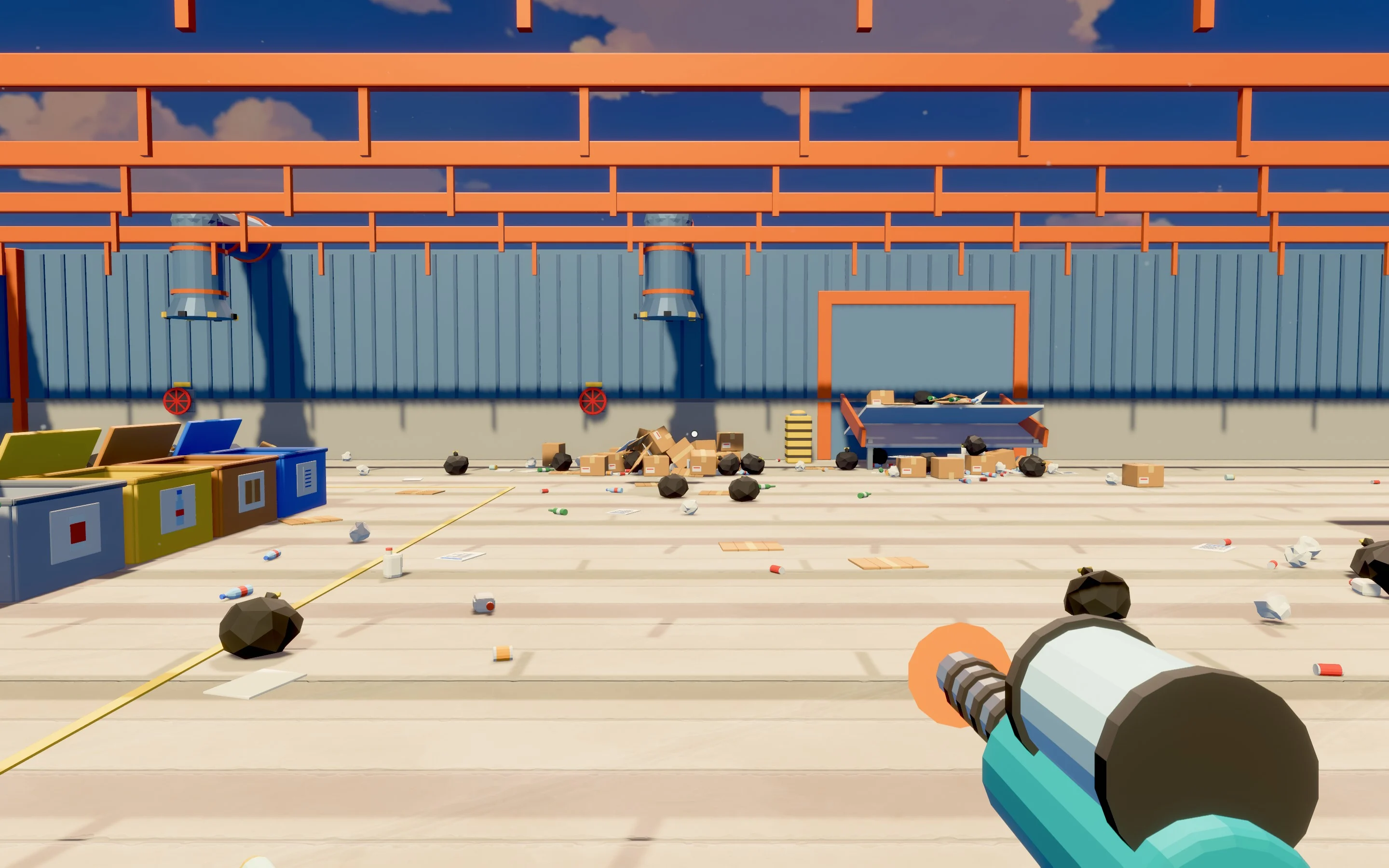
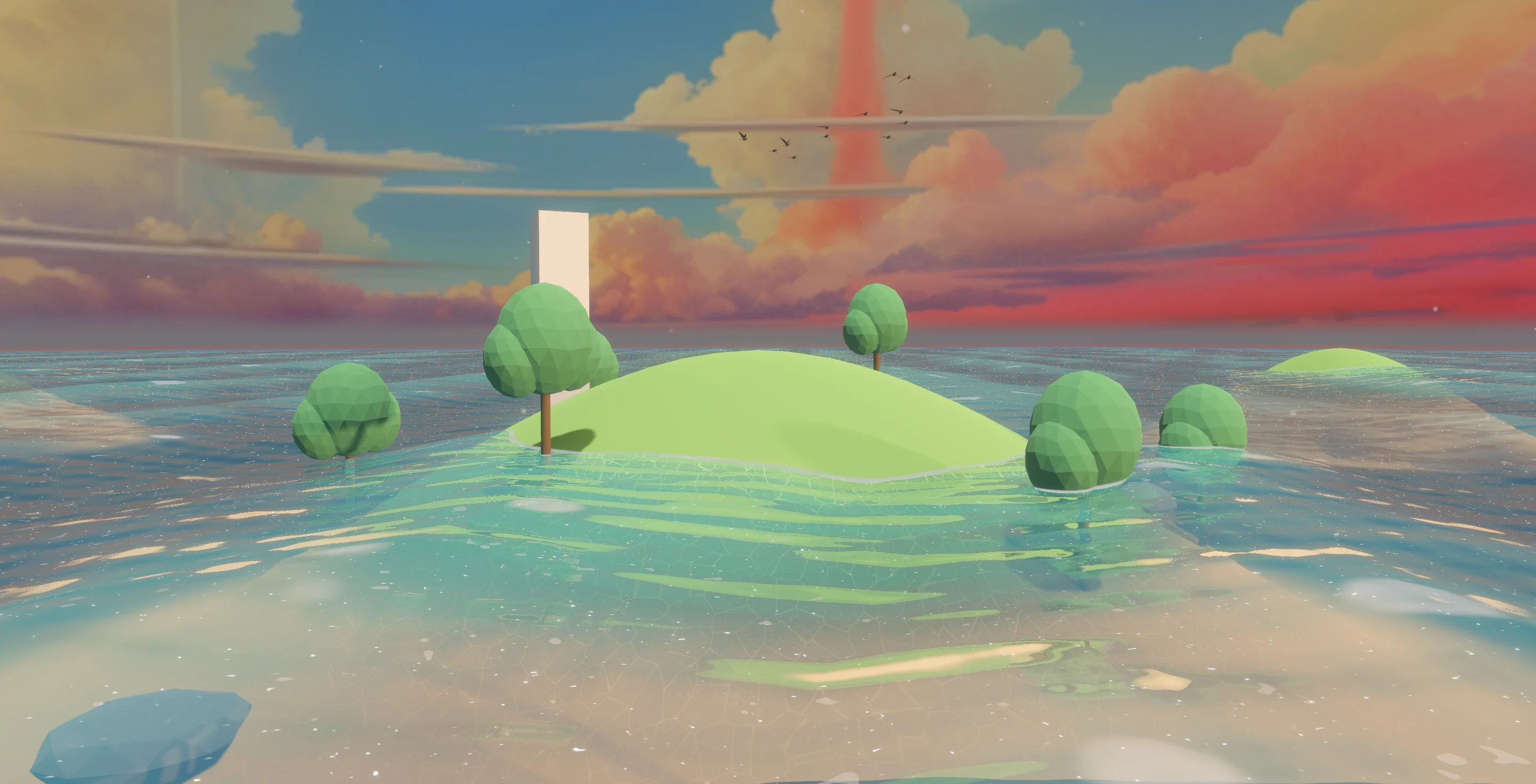
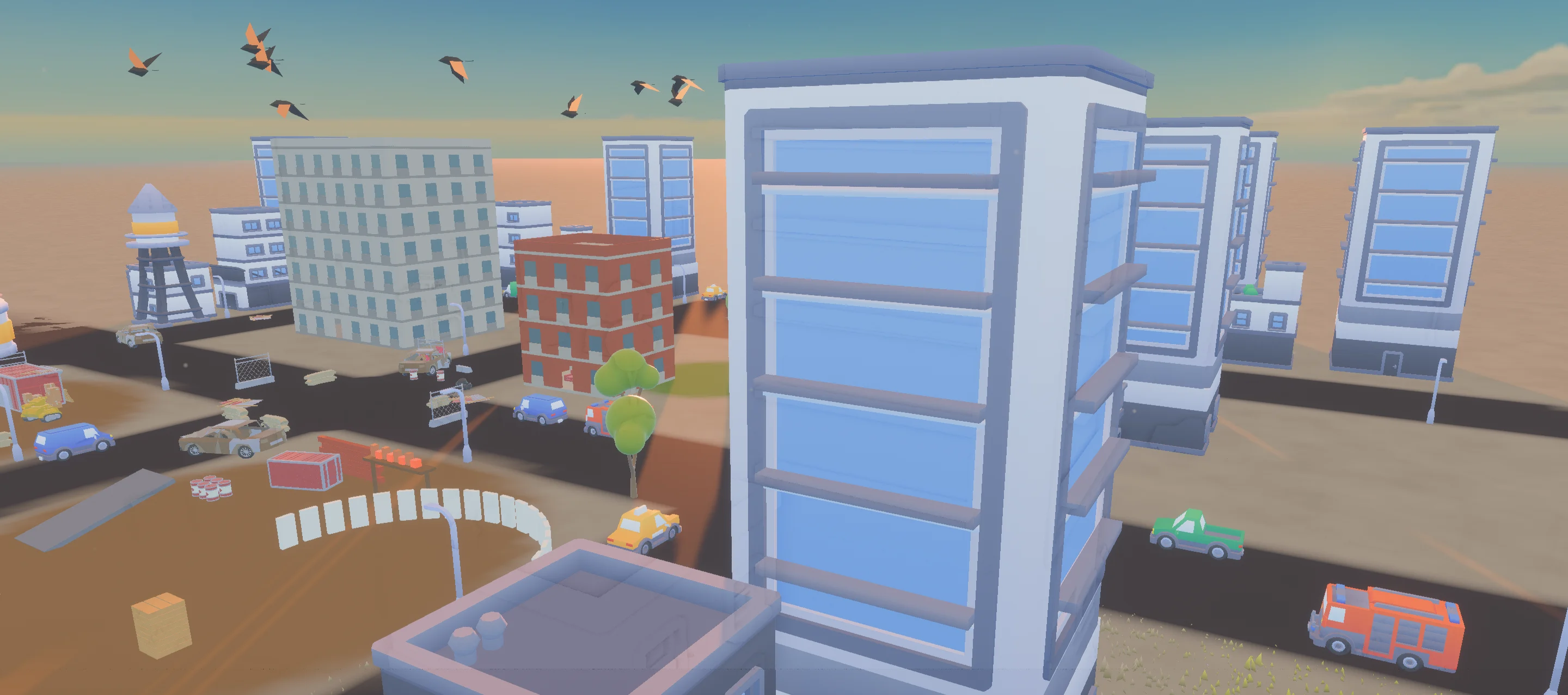
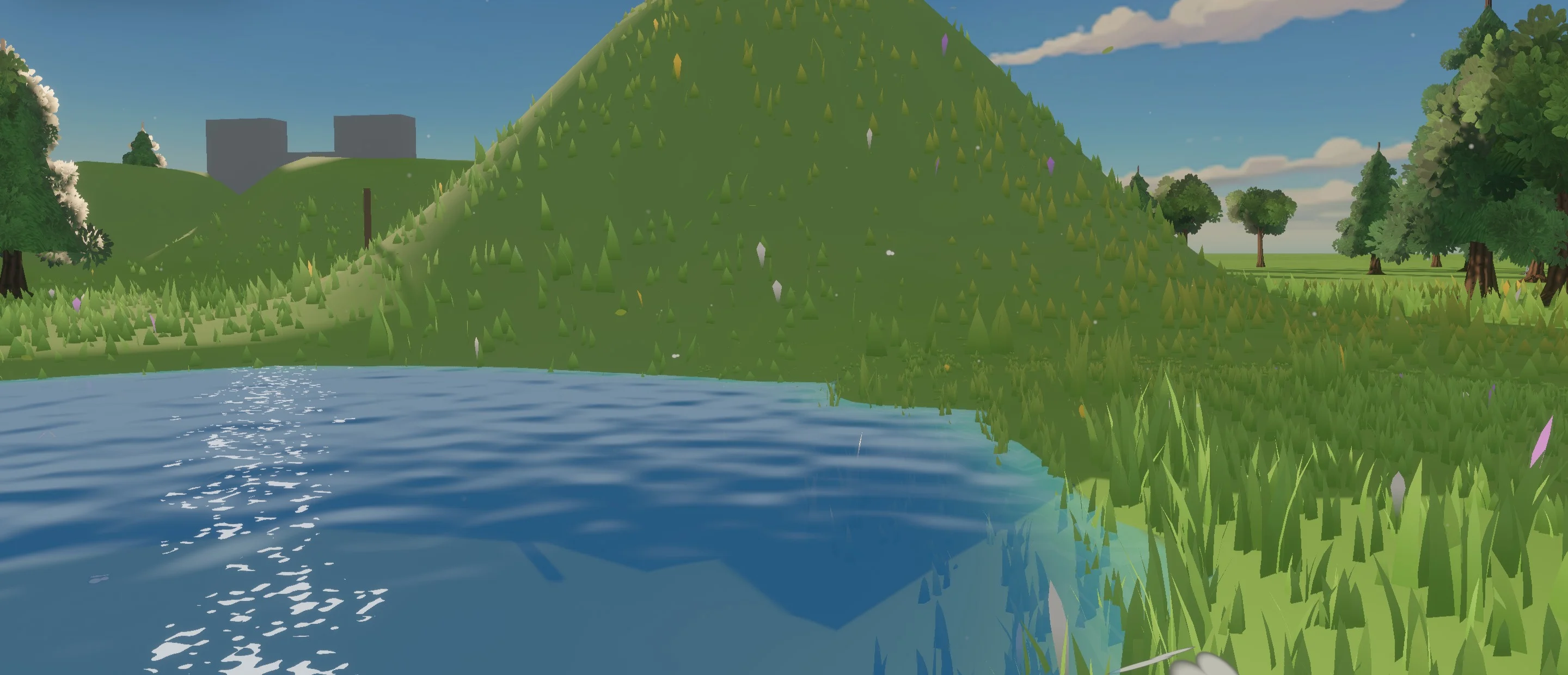
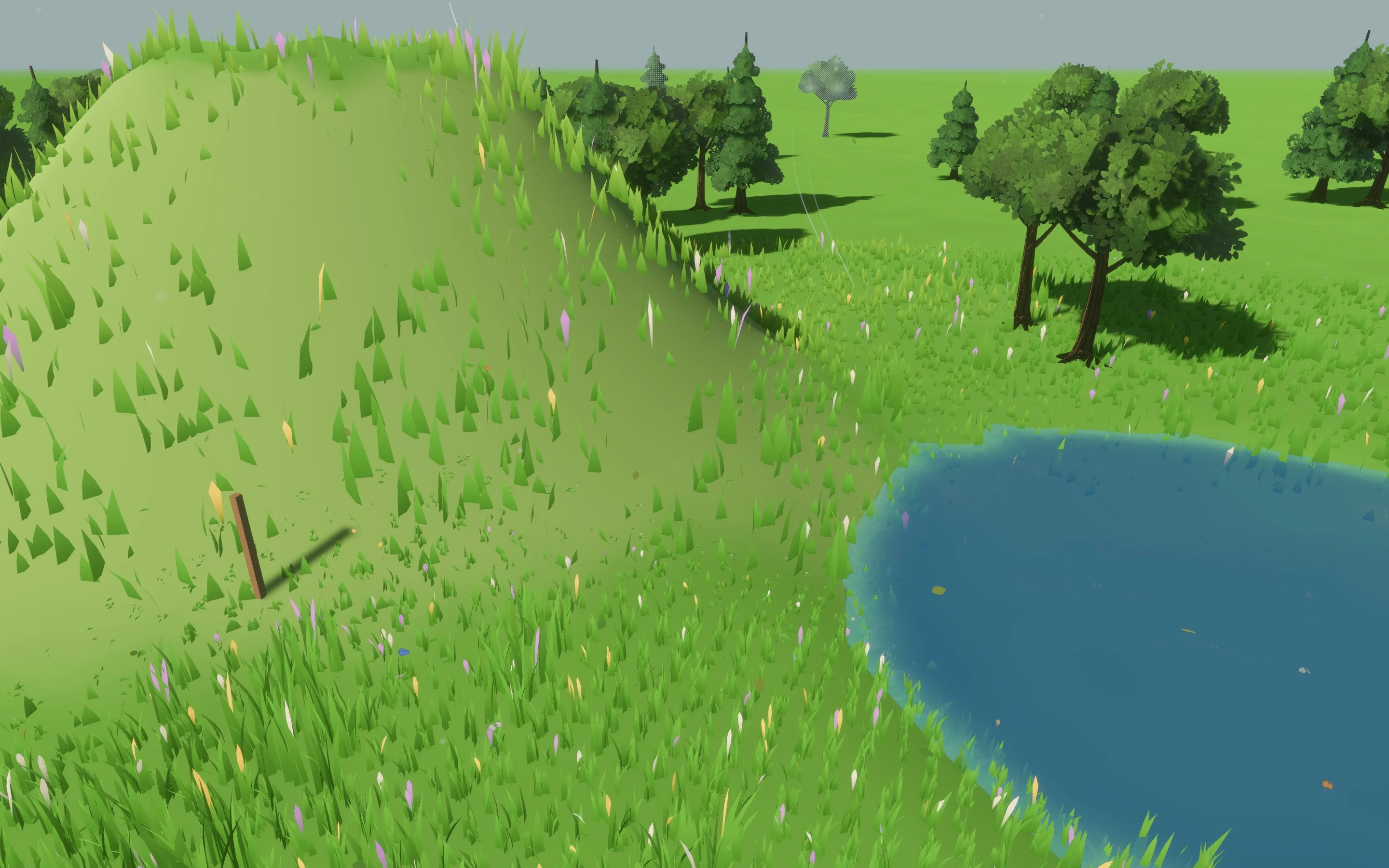
Every frame here is a real capture from Feather 2 — no renders, no concept art.
Systems that work together.
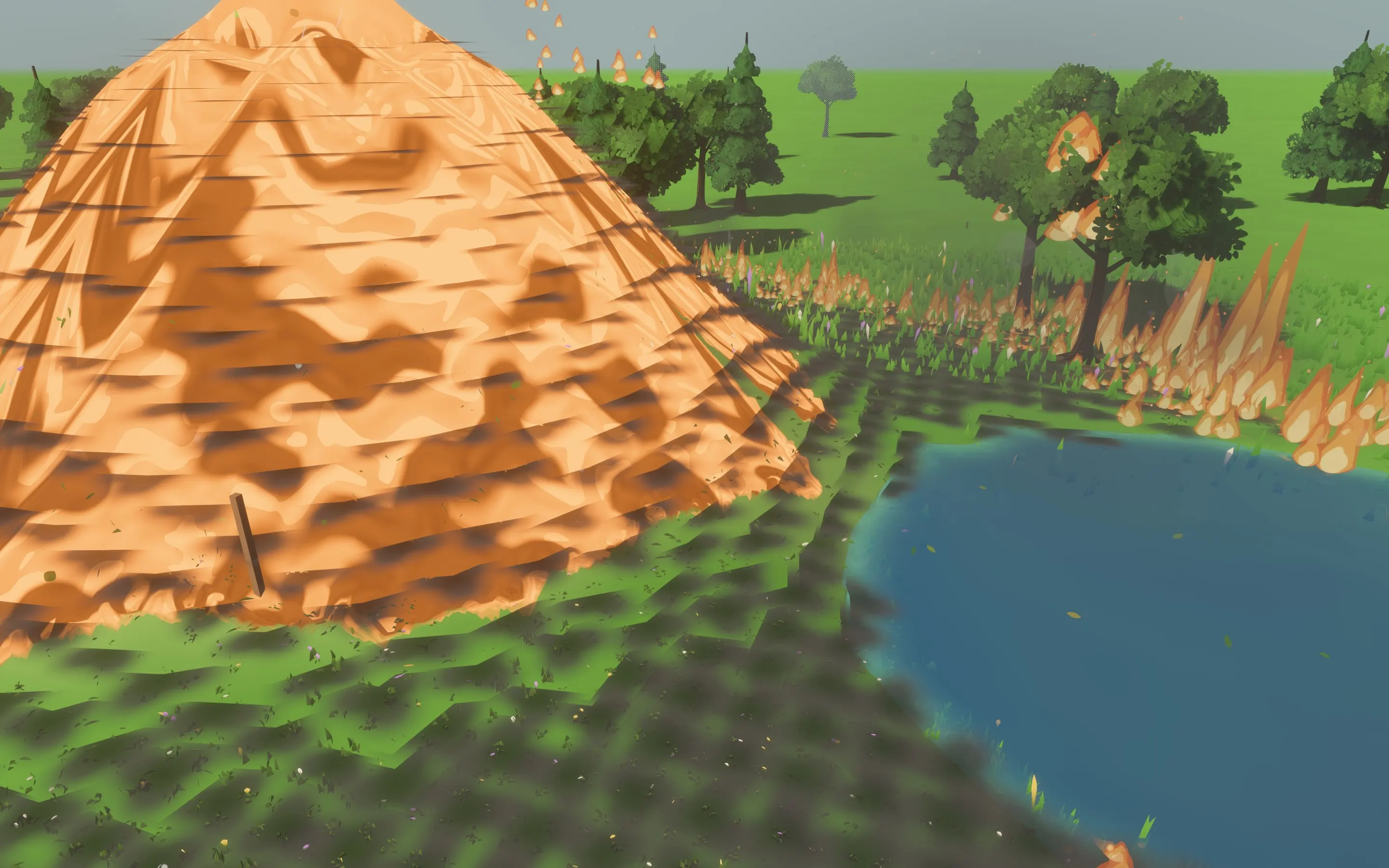
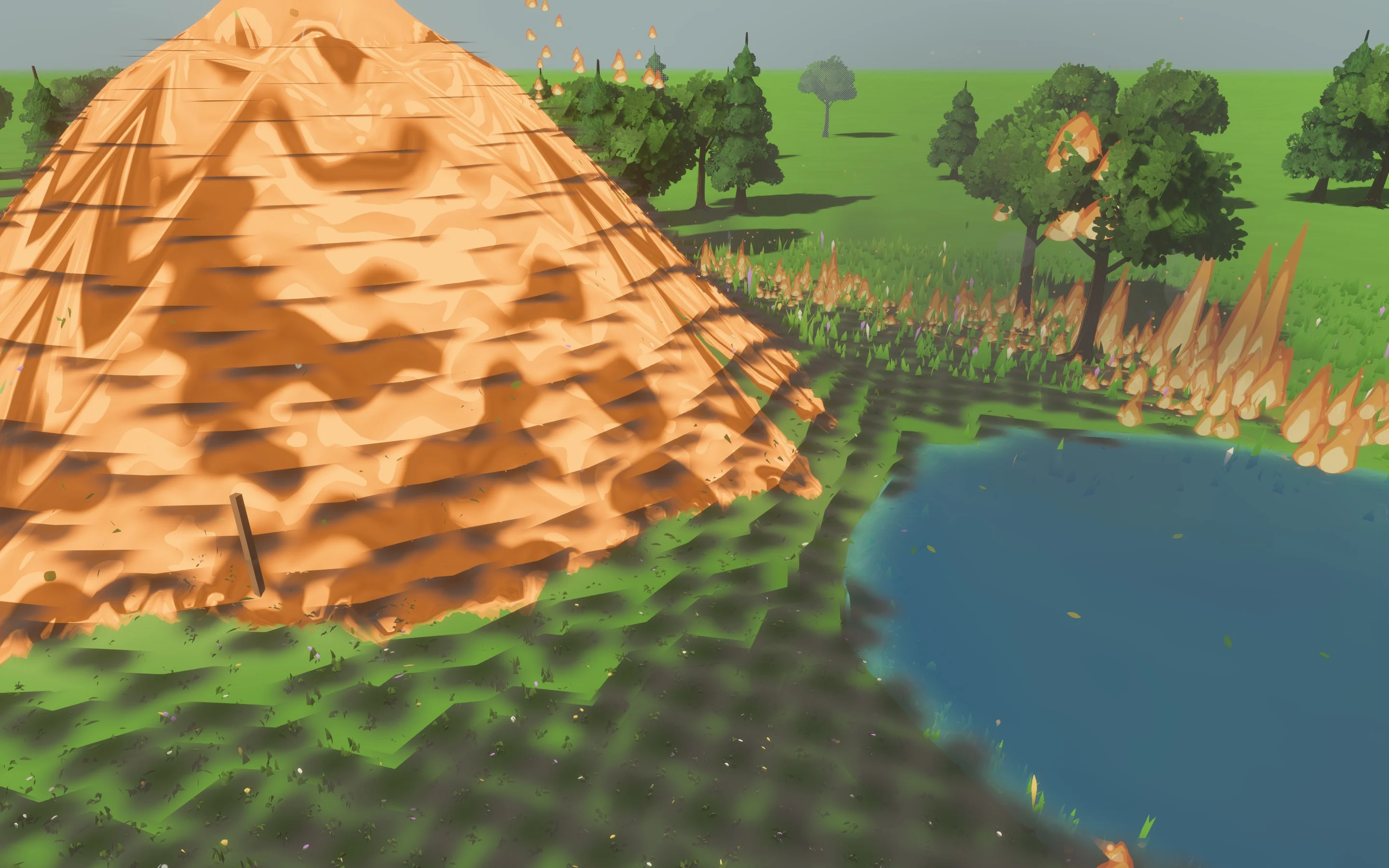
Weather, water, fire and foliage share one simulation, so they react to each other. Rain soaks the ground, wind moves the grass, and lava sets a meadow alight and hardens to rock where it meets water.
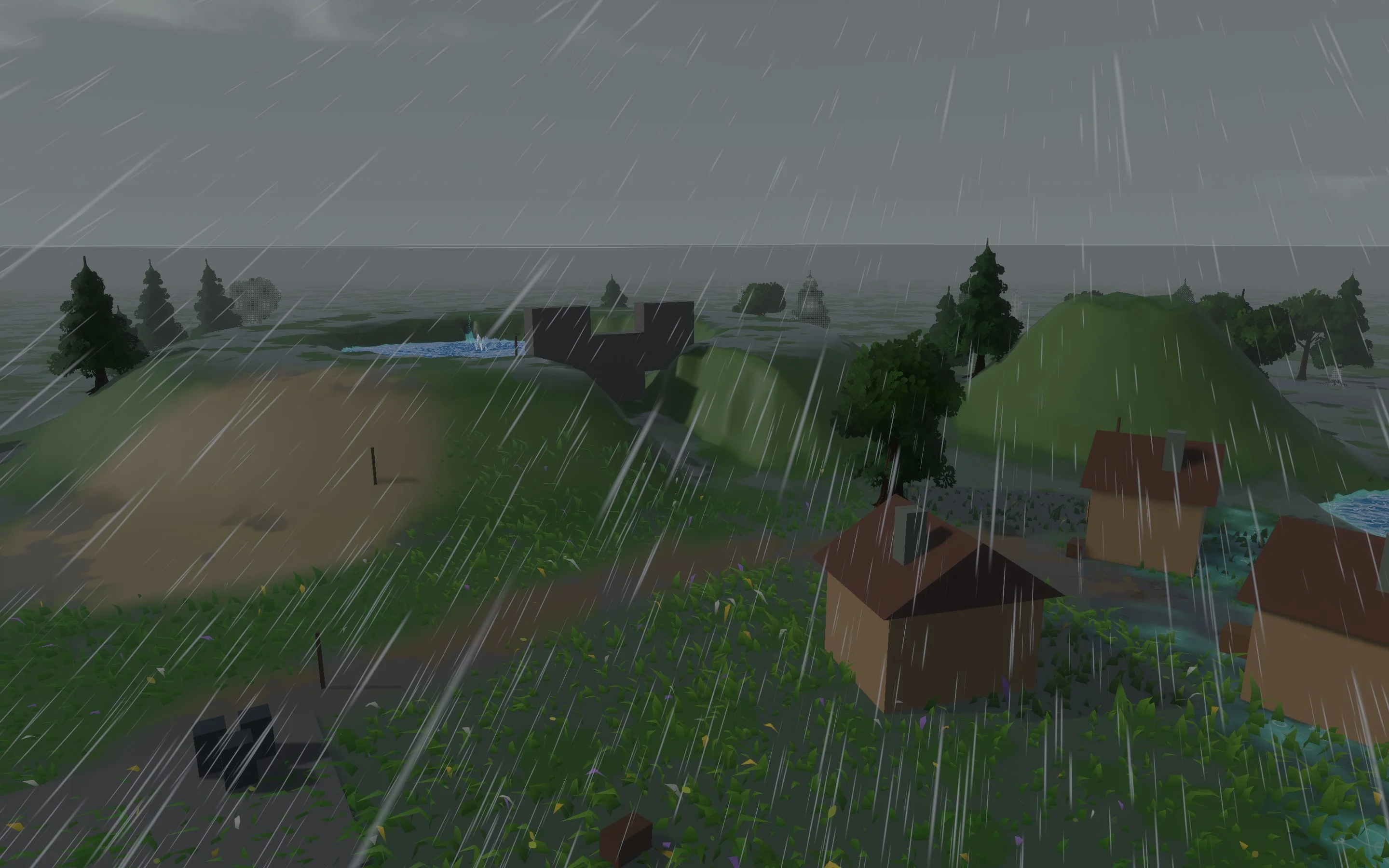
Thunderstorm
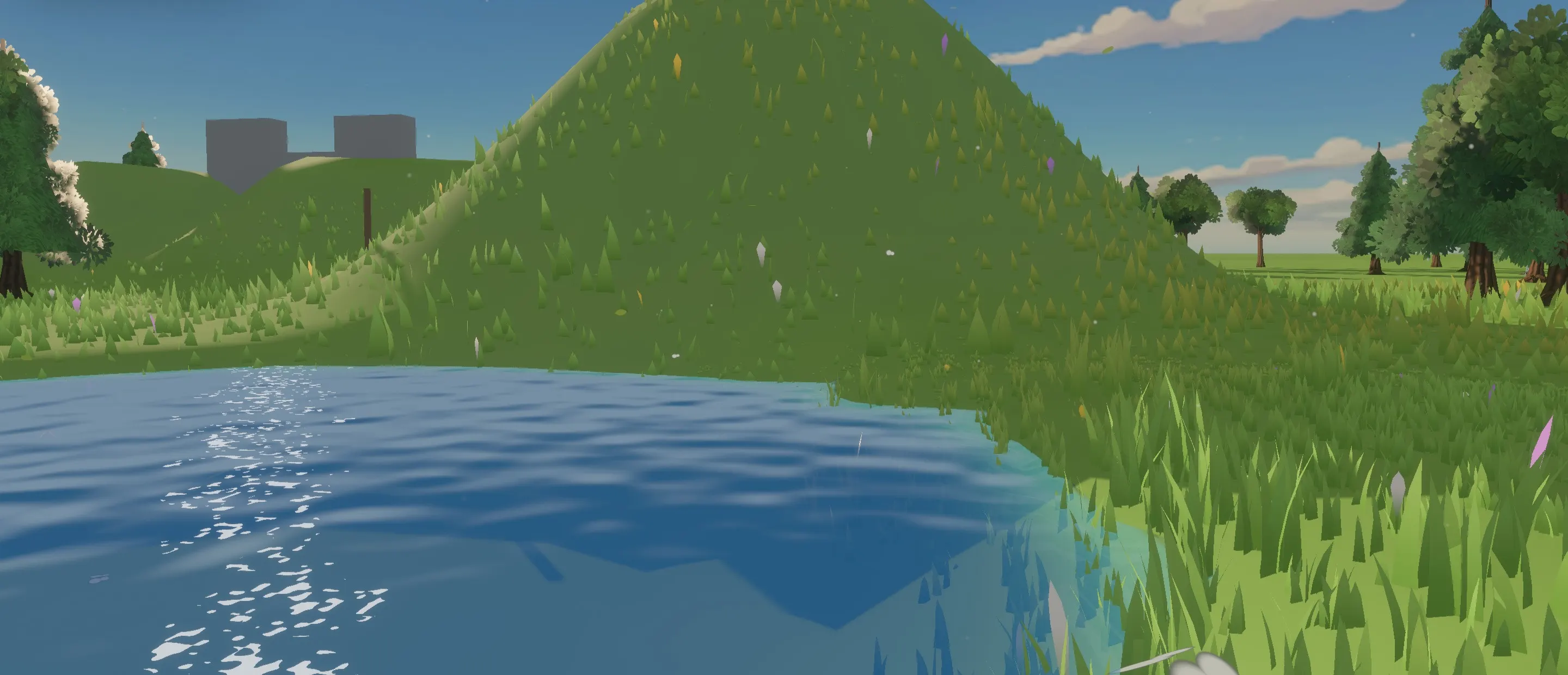
Rain and wind roll in over Fluid Playground, and the ground darkens as it soaks.

Under the surface
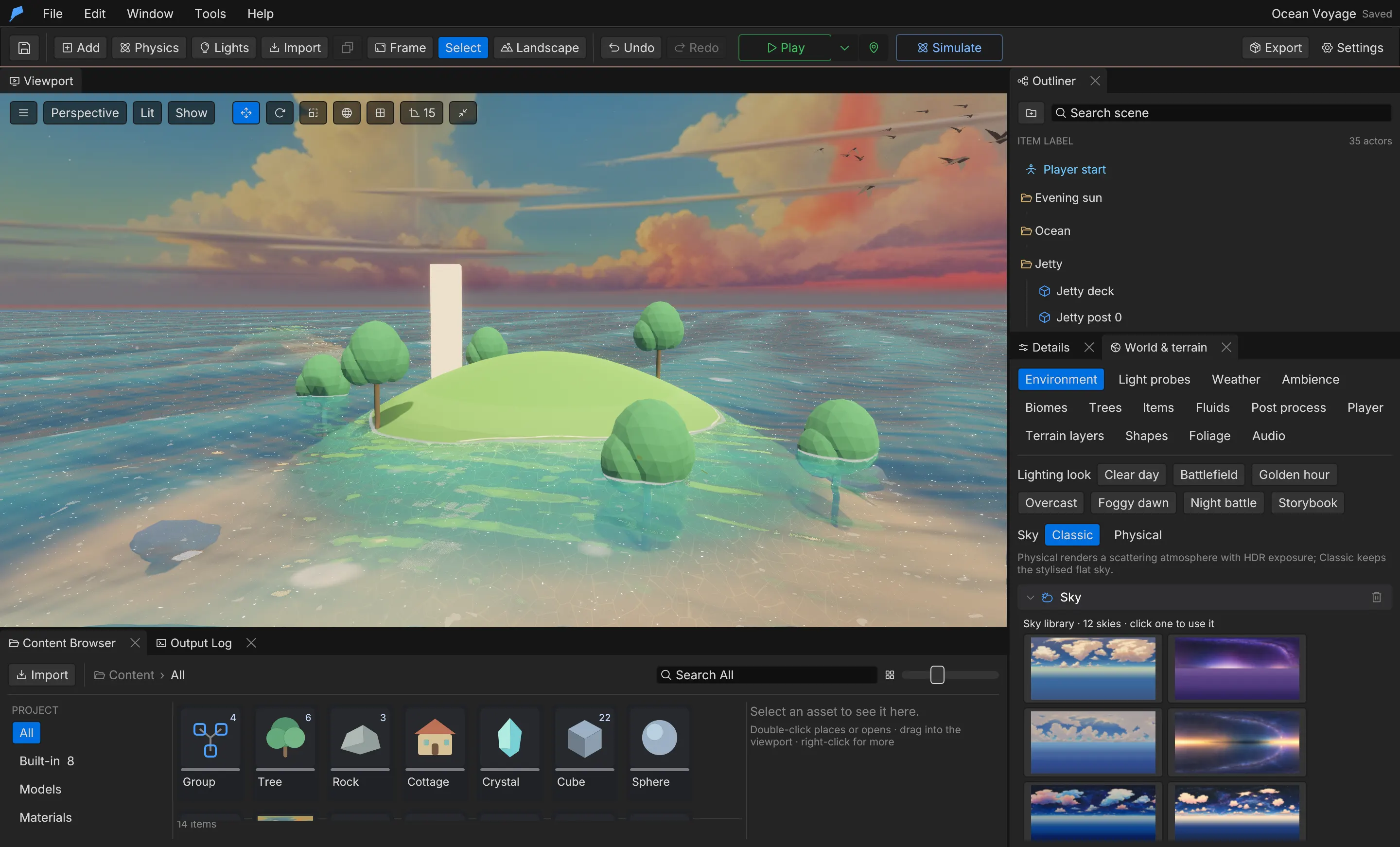
Below the waves at Ocean Voyage: fog by depth, light shafts and drifting particles, with sound muffled.
Real content, not empty systems.
Every system ships with presets you can use as they are or reshape into your own. A few of them:
- 11 weathers
- From clear skies and fog to blizzards, sandstorms and tornadoes.
- 6 liquids
- Water, lava, oil, slime, mud and blood, each behaving its own way.
- 16 physics setups
- Ships, cars, cloth, chains, wrecking balls and tornadoes in one click.
- 12 body presets
- Crates that float, balloons that rise and ice with no friction.
- 7 lighting looks
- From clear day and golden hour to foggy dawn and night battle.
- 9 post-process looks
- Neutral to cinematic, faded film and noir, all fully adjustable.
- 11 grass presets
- From meadow and wildflowers to forest floor, tundra, toon and alien.
- 5 example worlds
- Playable projects to take apart, each built entirely from engine commands.
Like what you see? Get in early.
Start with the game, not the basics.
20 systems ship with the engine. Each one works on its own, connects to the others and is documented end to end.
Gameplay
- Player & traversalFirst- and third-person controllers with sprint, swim, wall-run, rope swing, glide and flight.
- CombatModular weapons, grenades, abilities, melee and enemy archetypes with hitboxes and drops.
- Items & inventoryItems with custom properties, equipment slots, weight limits, containers and shops.
- InteractionDoors, switches and interaction prompts you add to any object as components.
- Story & questsBranching dialogue, quests and cinematics, authored as data in the editor.
Simulation
- AI & navigationBehaviour trees, sight and hearing, and multi-floor navigation with a live debugger.
- Vehicles & boatsCars with suspension, grip and steering, boats with buoyancy, and a chase camera.
- Physics & destructionRigid bodies, joints, cloth, force fields and fracture, with contact events for gameplay.
- Water & liquidsOceans with waves and foam, simulated liquids, swimming and underwater rendering.
- Sky, weather & climatePhysical sky, time of day, weather, seasons and a climate that drives snow and fire.
World & visuals
- LandscapeSculpt and paint terrain, carve caves, and stream large worlds with distant horizons.
- World generationRecipes that lay out valleys, villages and procedural cities each time you press Play.
- Materials & lightingMaterial graphs, light probes, global illumination and a toon look when you want one.
- EffectsParticle effects, decals, smoke and fire, spawned from the editor or from gameplay.
- AnimationState machines, montages, root motion, IK and retargeting across humanoid rigs.
Production
- SequencerCutscenes with camera, animation, audio, subtitles and time-of-day tracks.
- AudioPositional sound, music, ambience, a mixer with buses, ducking, occlusion and reverb.
- Game UI & localisationMenus and HUDs in markup and CSS, with translations and an in-game language picker.
- Saves & settingsSave games, player settings and crash recovery, built in from the first build.
- Profiler & exportFrame-time percentiles and memory in Play, and a standalone player export.
Three ways to make it yours.
- 01
Tune it in the editor
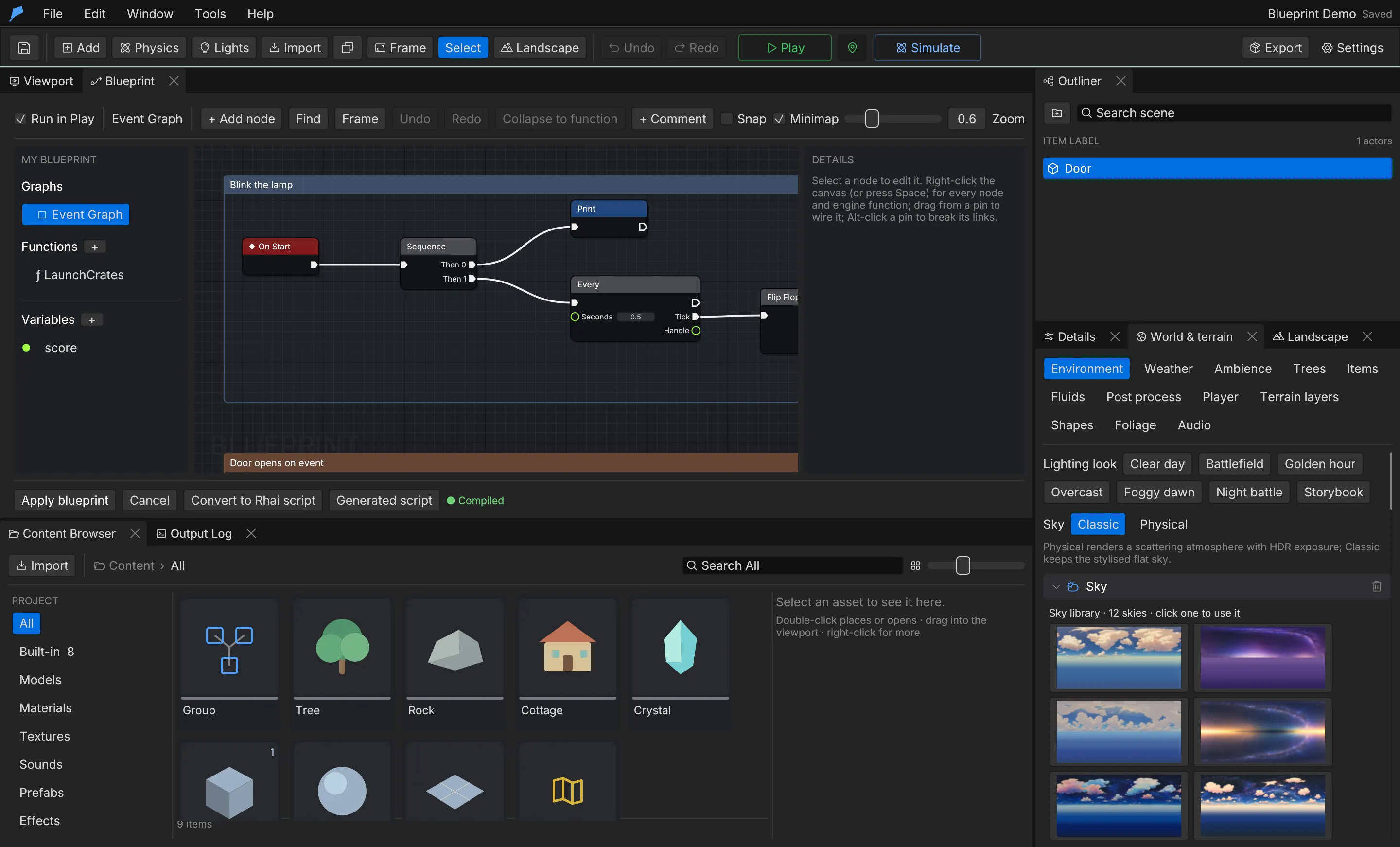
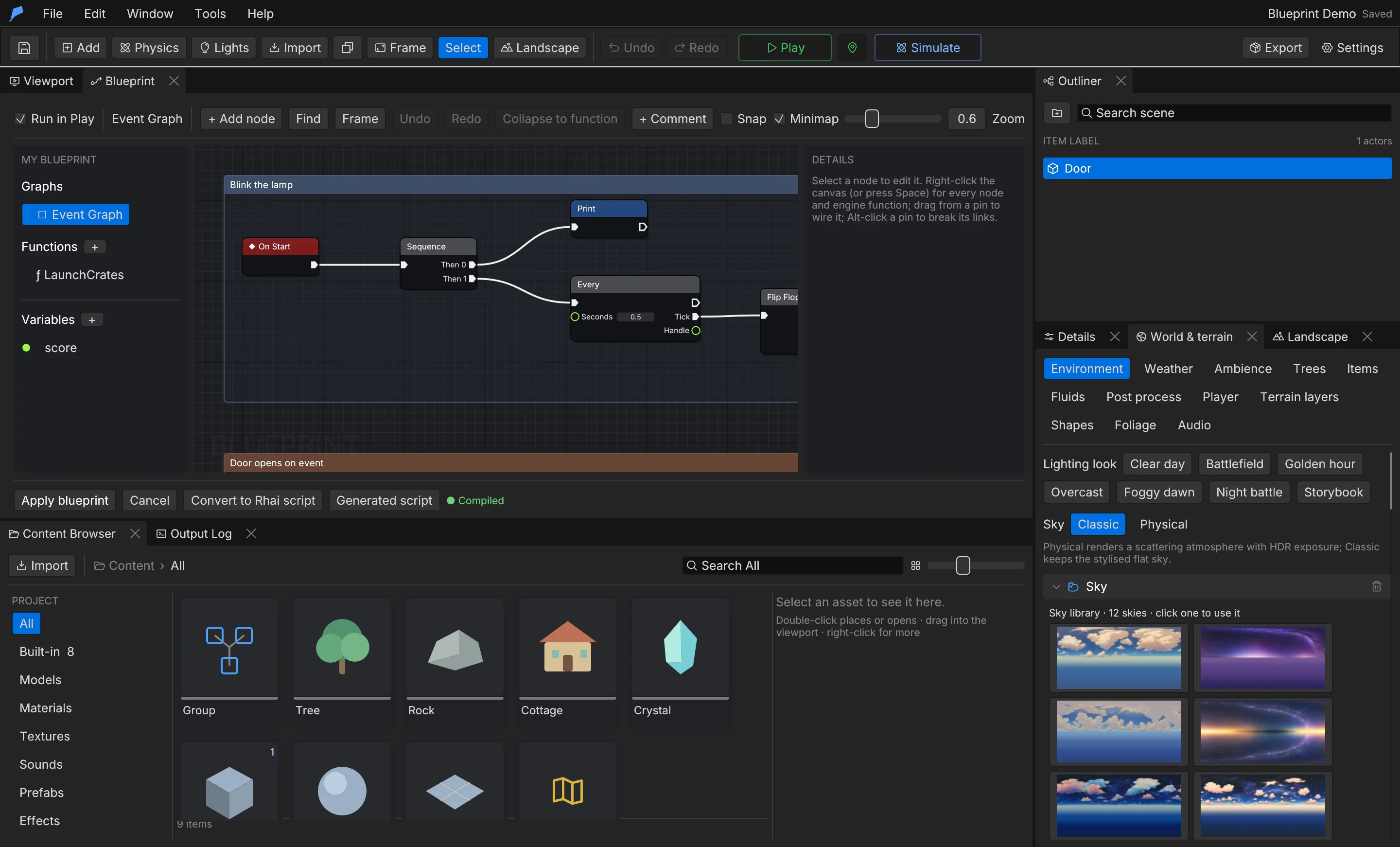
Every system is project data with its own panel. Change a weapon, a quest or the weather without touching code.
- 02
Extend it with logic
Add behaviour with Rhai scripts or visual Blueprints. Both run the same way in Play and in your exported game.
- 03
Automate it with agents
Each edit is a validated command with undo and revisions, so an AI agent can make the same change safely.
Built for the way games are made now.
The editor and your AI tools share one set of commands. Agents can add objects, sculpt terrain, write scripts, capture the viewport and play-test the game without opening a window — with the same validation and undo as a person at the keyboard.
- 270
- commands, each with a strict schema
- MCP
- connect any compatible AI client
- Headless
- play-test with scheduled input, no renderer
- 1,402
- objects in War City, placed by a script of engine commands, like every example
# Connect to the running editor
feather-cli --connect .feather-session.json command scene.add \
  --json '{"kind":"Cube","name":"Crate","position":[0,2,0]}'

# Play-test without a window: hold D for one second
feather-cli --connect .feather-session.json command game.simulate \
  --json '{"frames":240,"inputs":[{"frame":0,"key":"D","pressed":true},
                                {"frame":60,"key":"D","pressed":false}]}'
{
"mcpServers": {
"feather": {
"command": "/Applications/Feather v2.app/Contents/MacOS/feather-cli",
"args": ["--connect", "/path/to/game/.feather-session.json", "mcp"]
}
}
}Large worlds, measured.
Meadow Expedition is a 600 × 600 metre scene with 1,553 authored objects. These are the figures from its verification run.
- Authored objects
- 1,553
- Model instances
- 1,477
- Median fps in Play
- 145
- Median fps in the editor
- 104–144
Development build on Apple M3 Pro, 36 GB · 2880 × 1800 window
Good questions.
Is Feather free?
Yes. The engine is free. Join the waitlist and we'll send you a preview build as soon as invites open.
Which platforms does Feather run on?
The preview is built and verified for macOS (Apple Silicon). The engine is written to build on Windows and Linux as well, and Windows builds are in progress.
When can I try it?
Feather 2 is in private preview. We open builds to the waitlist in small groups so we can support every team, and email you when your invite is ready.
Do I need AI to use it?
No. Everything works by hand in the editor. The CLI and MCP server are there when you want an agent to build, test or automate alongside you.
What kind of games is it for?
Stylised games of any size, from small physics toys to large streamed worlds. The built-in systems cover the player, combat, vehicles, water, weather, story, UI, saves and more.
Can I use my own models and code?
Yes. Import GLB (glTF 2.0) models, textures and sounds, and add behaviour with Rhai scripts or visual Blueprints.
Is there documentation?
Yes, and you can read it today: a guide for every system, the full command reference, and AI-readable versions for your tools.
Get early access.
Feather 2 is free and in private preview. Join the waitlist and we'll invite you as builds open up.
- Preview builds for macOS (Apple Silicon)
- 5 playable example worlds to take apart
- The CLI and MCP server for your AI tools
- Full documentation, readable today