

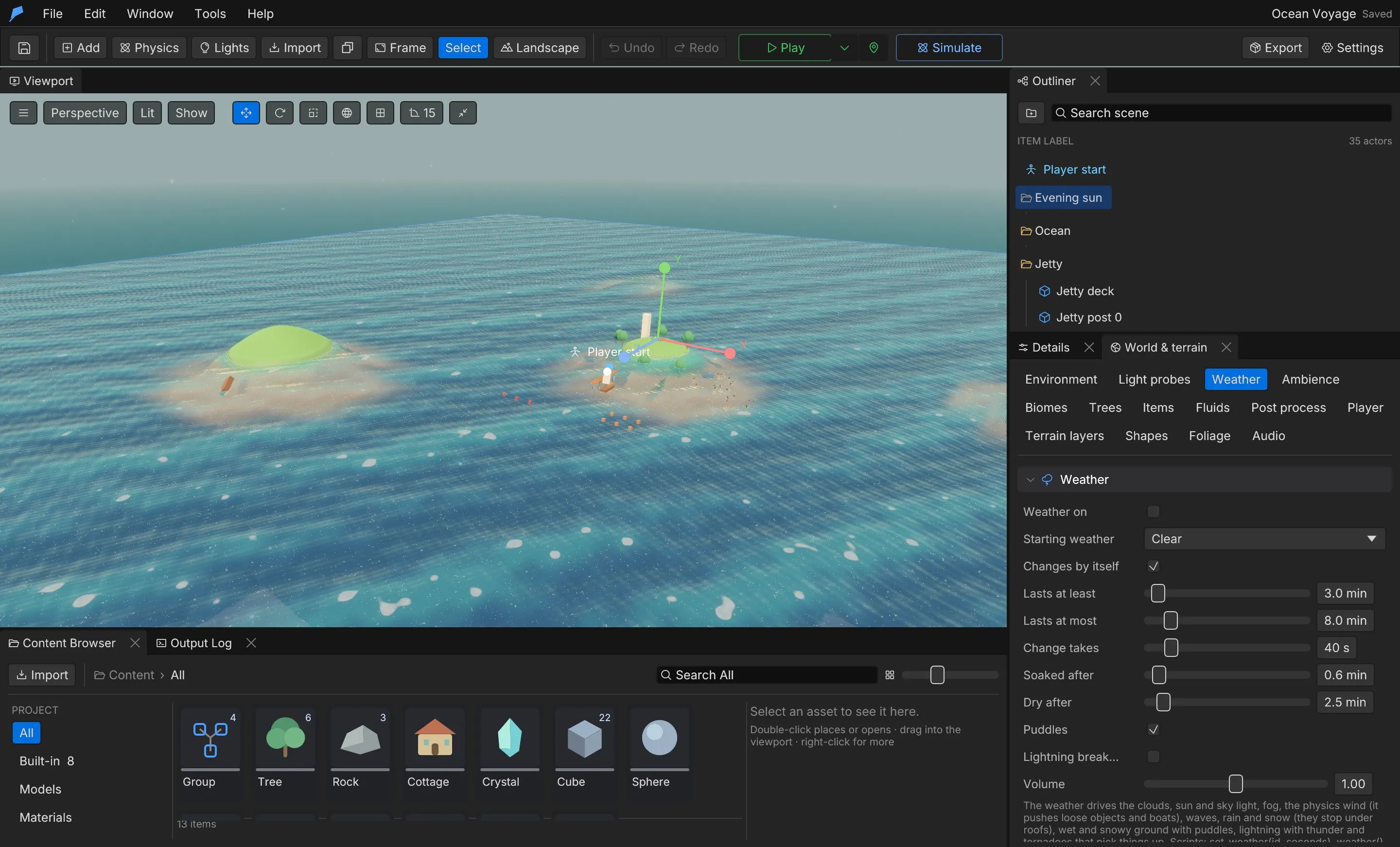







The free game engine with 26 systems built in: Game development, simplified.
Player, combat, inventory, vehicles, weather, saves and 20 more systems come ready to play, so you start from a game, not a blank scene. Native Rust, built for AI agents.
New · Inside the editor
Pick it in the Store.
- 01
Pick. 862 models and sounds and 6 starter projects, right inside the editor.
- 02
Drag. Drop a card in the viewport. It lands where you point, with the right collider.
- 03
Play. Press Play and walk into it. No import step, no setup.
140 items and every starter project are free. Feather Pro opens every pack. AI agents use the same Store through the CLI and MCP.


Agent-ready · A real run
Describe the game.
- You
Build a small fishing harbour on a tropical island: a dock, boats, a few houses and palms, at golden hour. Then play-test it.
project.create"Fishing Harbour"
weather.setclear skies
landscape.configuresea floor at -14 m
landscape.layoutisland: 2 hills, sand and grass
project.environmentsea: waves, foam, caustics
scene.addSea (swimmable water)
store.search"dock" · building
4 found · Island Village Buildings
store.place ×6Dock square · Dock, straight ×4 · Dock end
placed · downloaded Island Village Buildings
store.search"fish" · building
1 found · Island Village Buildings
store.place ×4Boat shed · Fish stall · Net rack · +1 more
placed
store.search"house" · building
18 found · Island Village Buildings, Medieval Village Buildings, Suburban Buildings & Roads
store.place ×8Island house A ×2 · Island house B · Island house C · +4 more
placed
store.search"palm"
3 found · Tropical Island Nature
store.place ×22Palm A ×3 · Palm B ×3 · Palm C ×2 · +8 more
placed · downloaded Tropical Island Nature
store.search"boat" · vehicle
3 found · Island Boats & Sea Gear
store.place ×8Sloop · Rowboat · Buoy ×2 · +4 more
placed · downloaded Island Boats & Sea Gear, Tropical Island Props
project.environmenttime of day 17:30
project.settingsplayer start on the beach
project.validate
valid · 49 objects
game.simulate420 frames · walk the dock
success · 0 errors · walked 18.6 m


 Play-test passed · 0 errors
Run on 28 October 2026 by an AI agent with a Feather Pro account: an empty project and the live Store. 70 commands, 0 failed, 33 seconds; 48 Store items from 4 packs; a 420-frame play-test with 0 errors. Each of the 319 commands is also an MCP tool. How agents work with Feather
- built-in systems
- 26
- engine commands for agents
- 319
- median fps in a 1,553-object world
- 145
- native, compiled engine
- Rust
Spend your time on the game, not the engine.
Every game needs a player, physics, menus, saves, sound and a way to tell its story. Feather ships those as working systems, so you start from something that plays and shape it into yours.
Simple
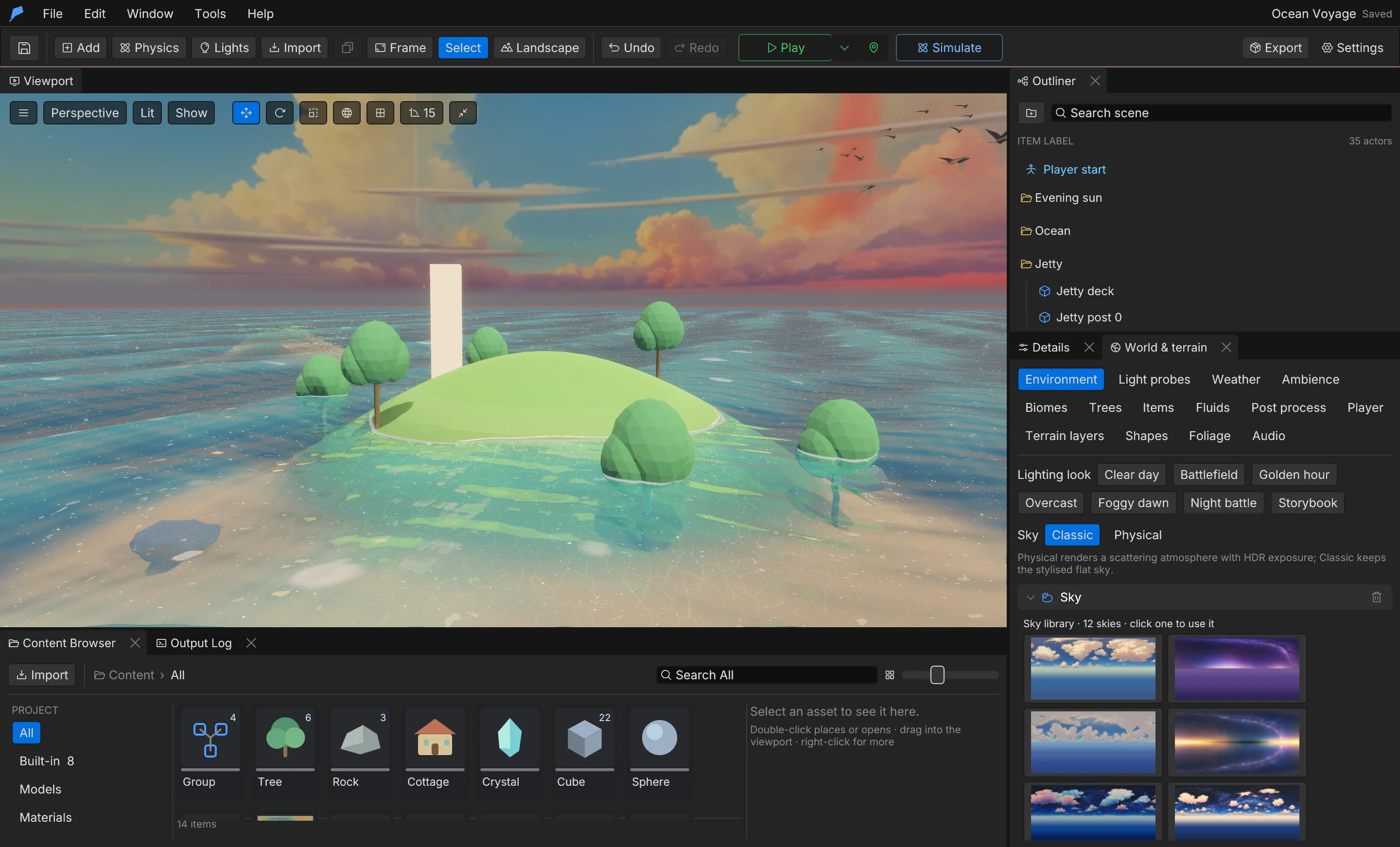
One clear editor with sensible defaults. Open an example, press Play and start shaping your game in minutes.
Complete
26 ready-made systems — from combat and inventory to weather, story and saves — that you extend instead of rebuild.
Fast
A native engine written in Rust, with a profiler built in so you can see frame times and memory while you play.
Agent-ready
319 commands over CLI and MCP. Agents build, play-test and verify your game through the same path as the editor.
Made in Feather.
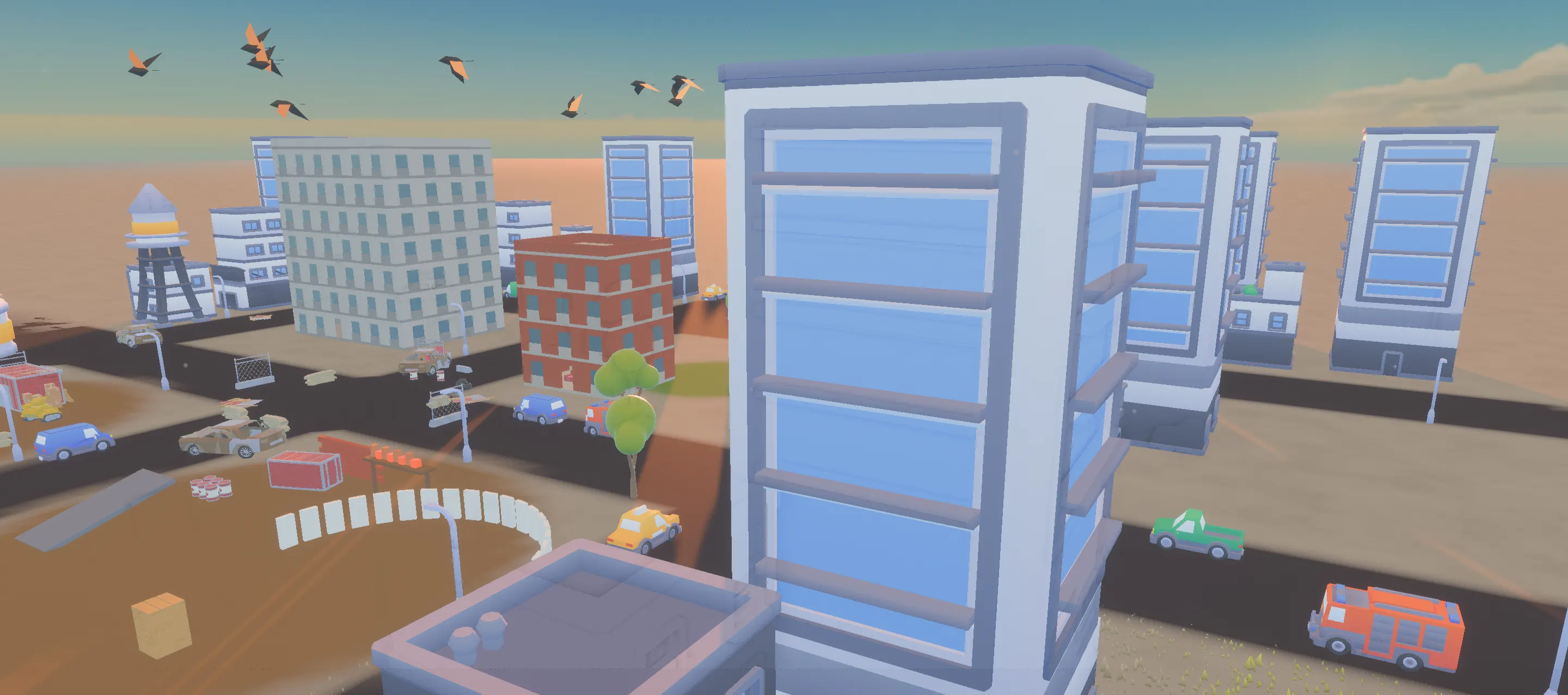
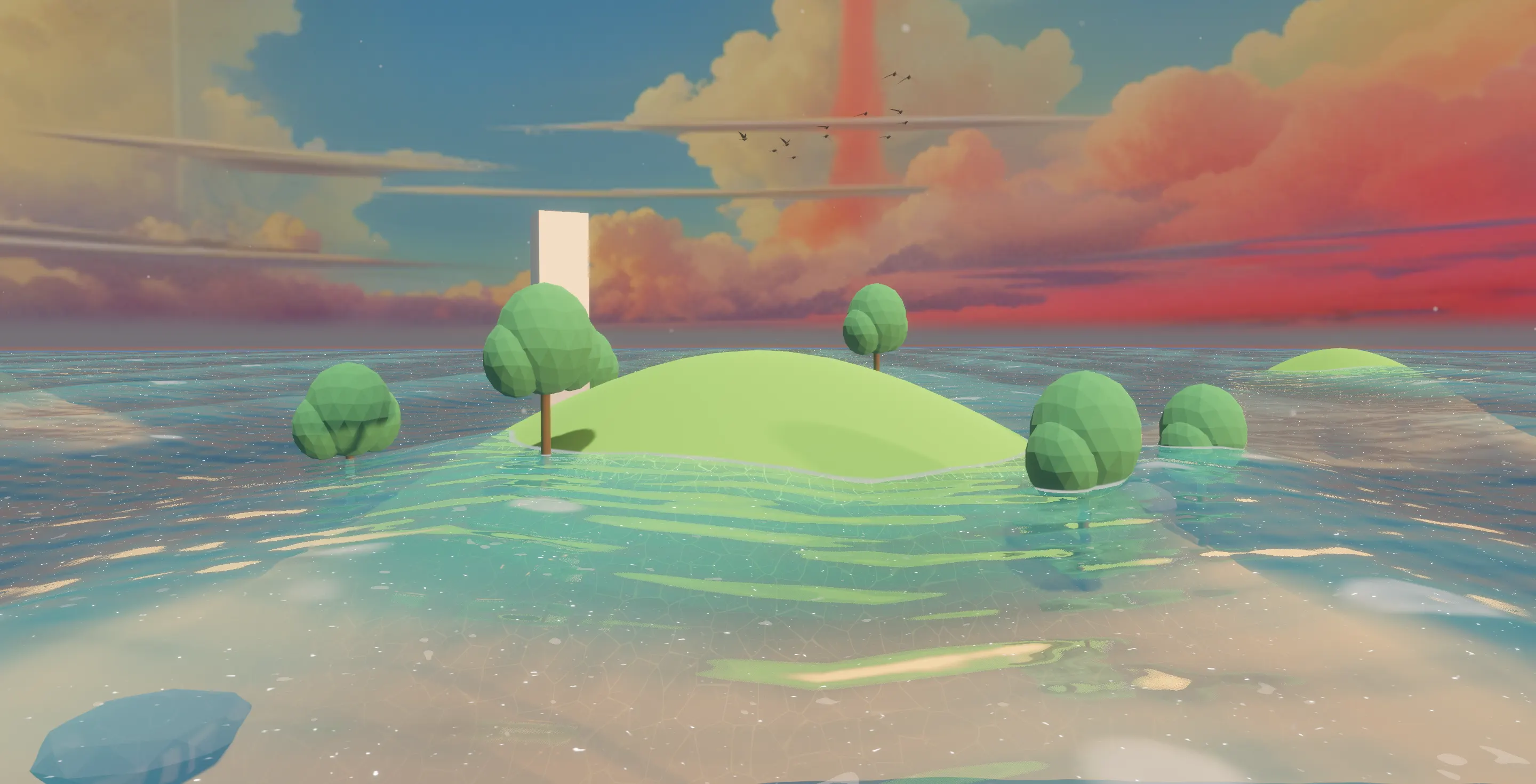
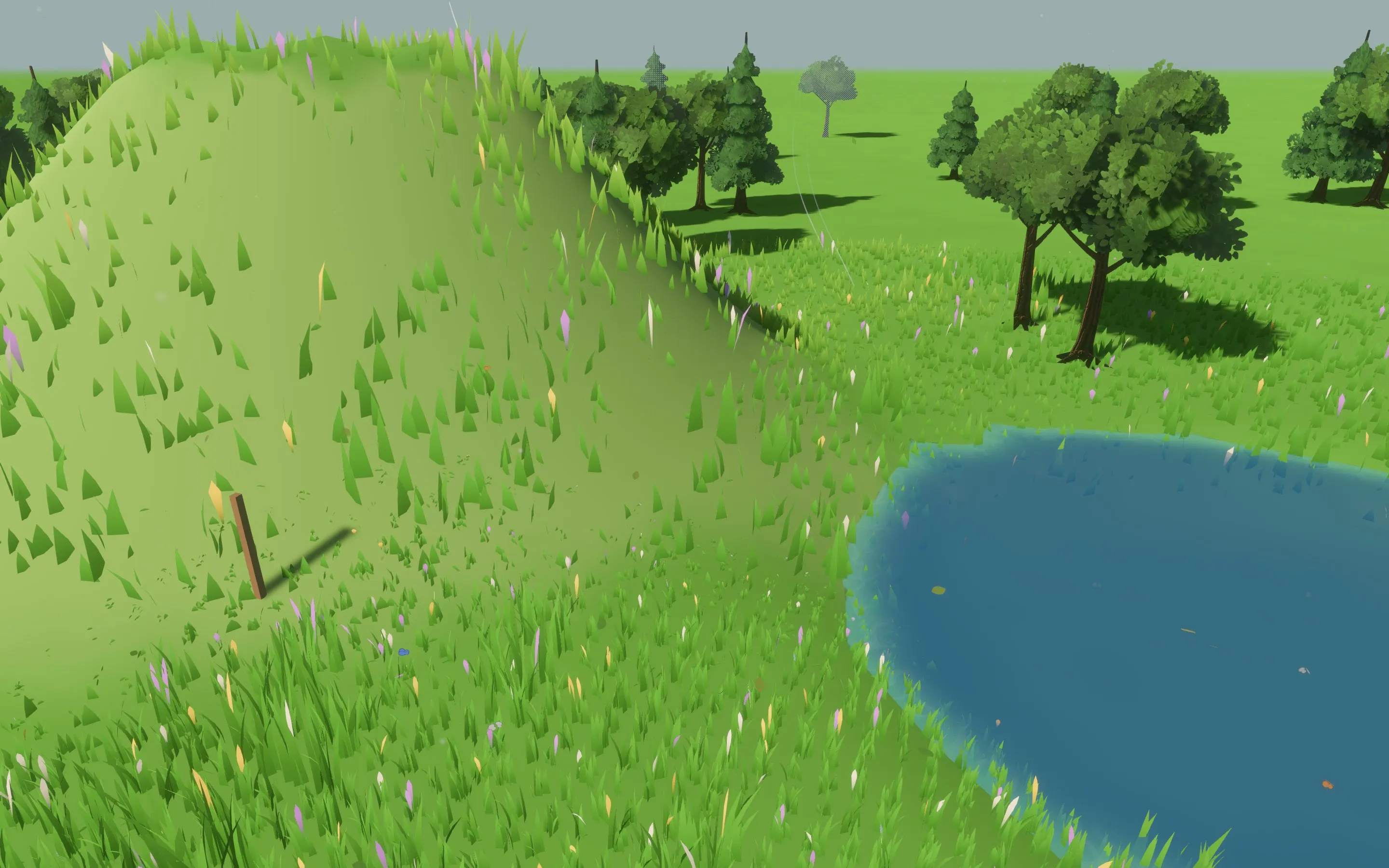
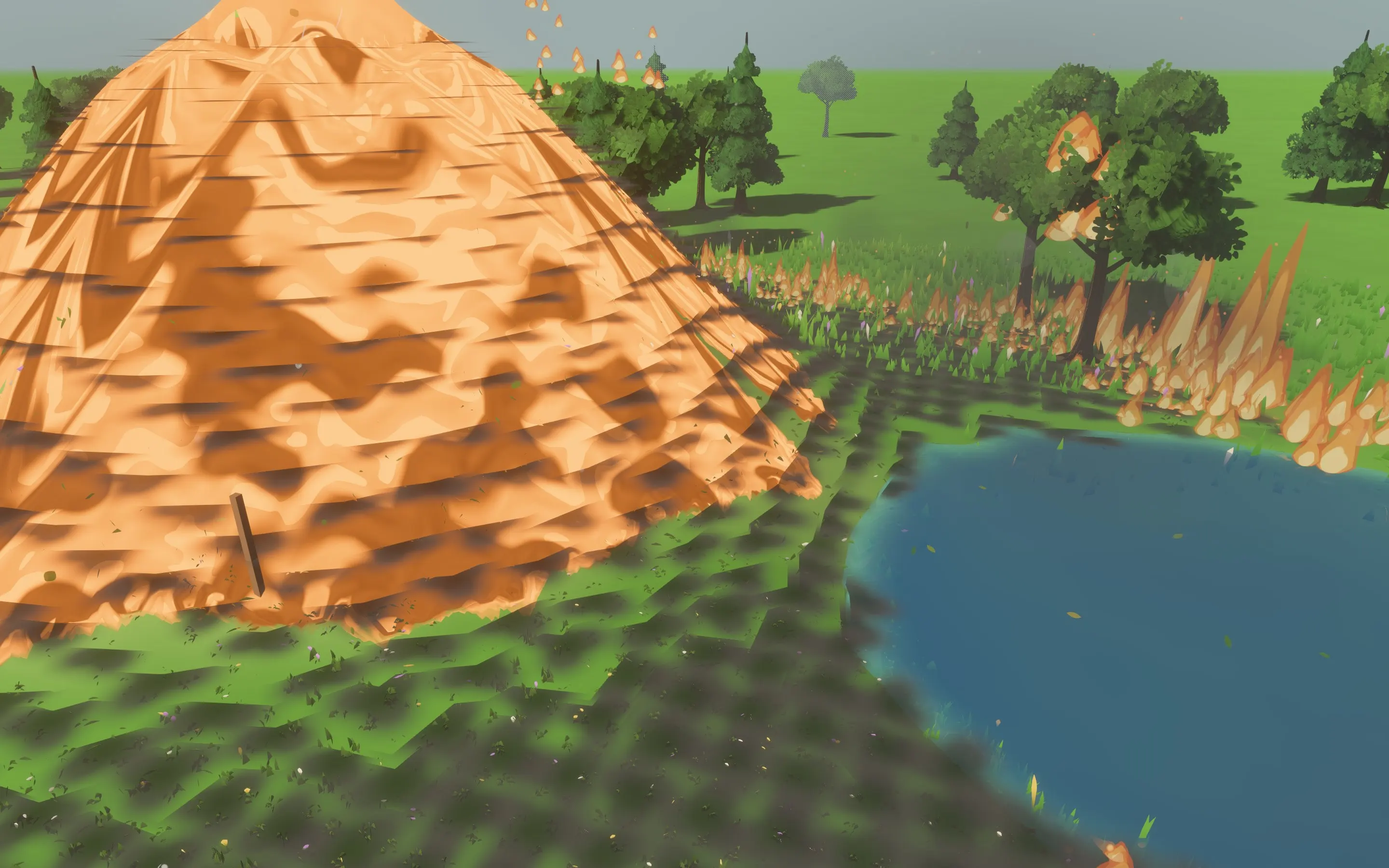
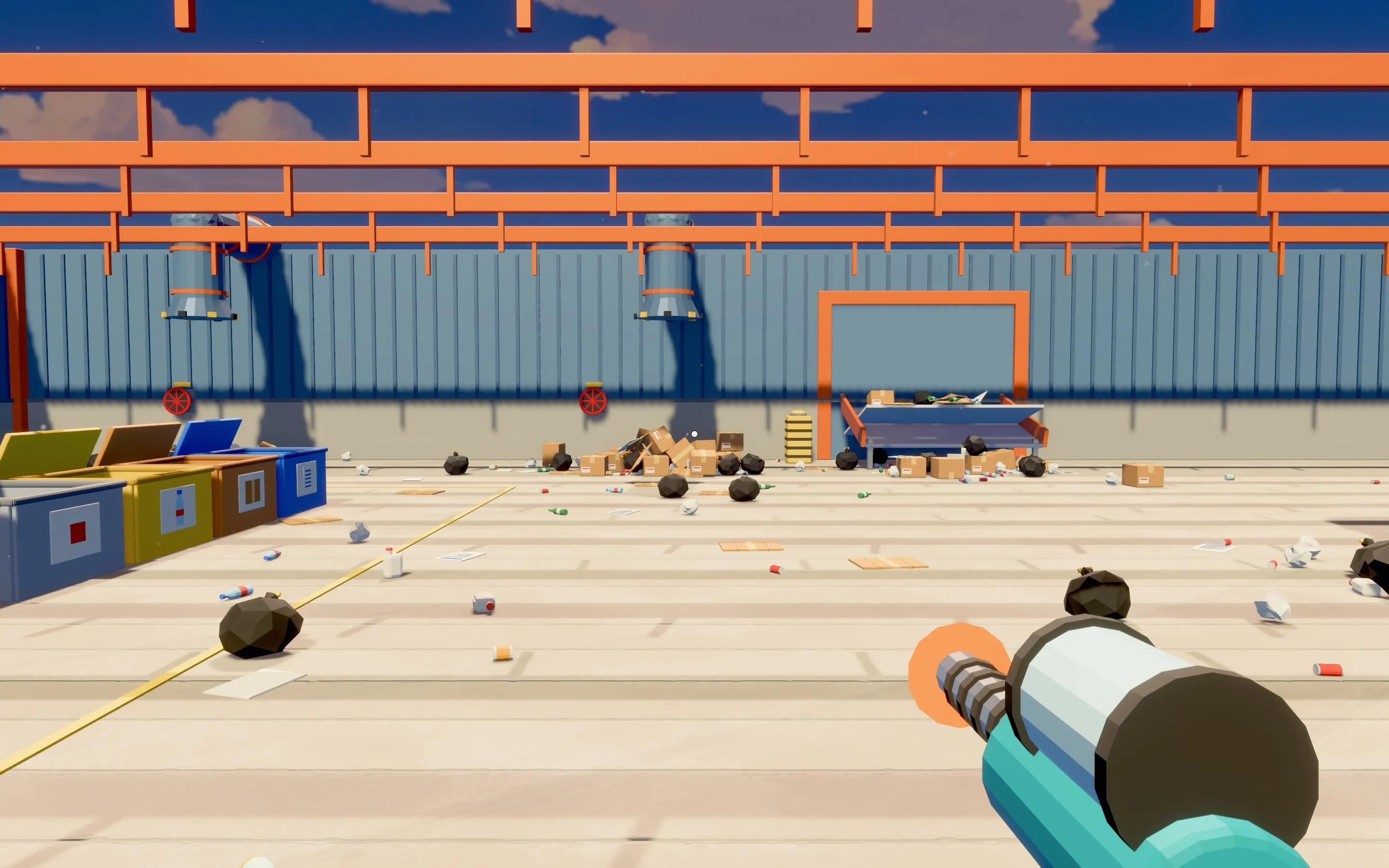
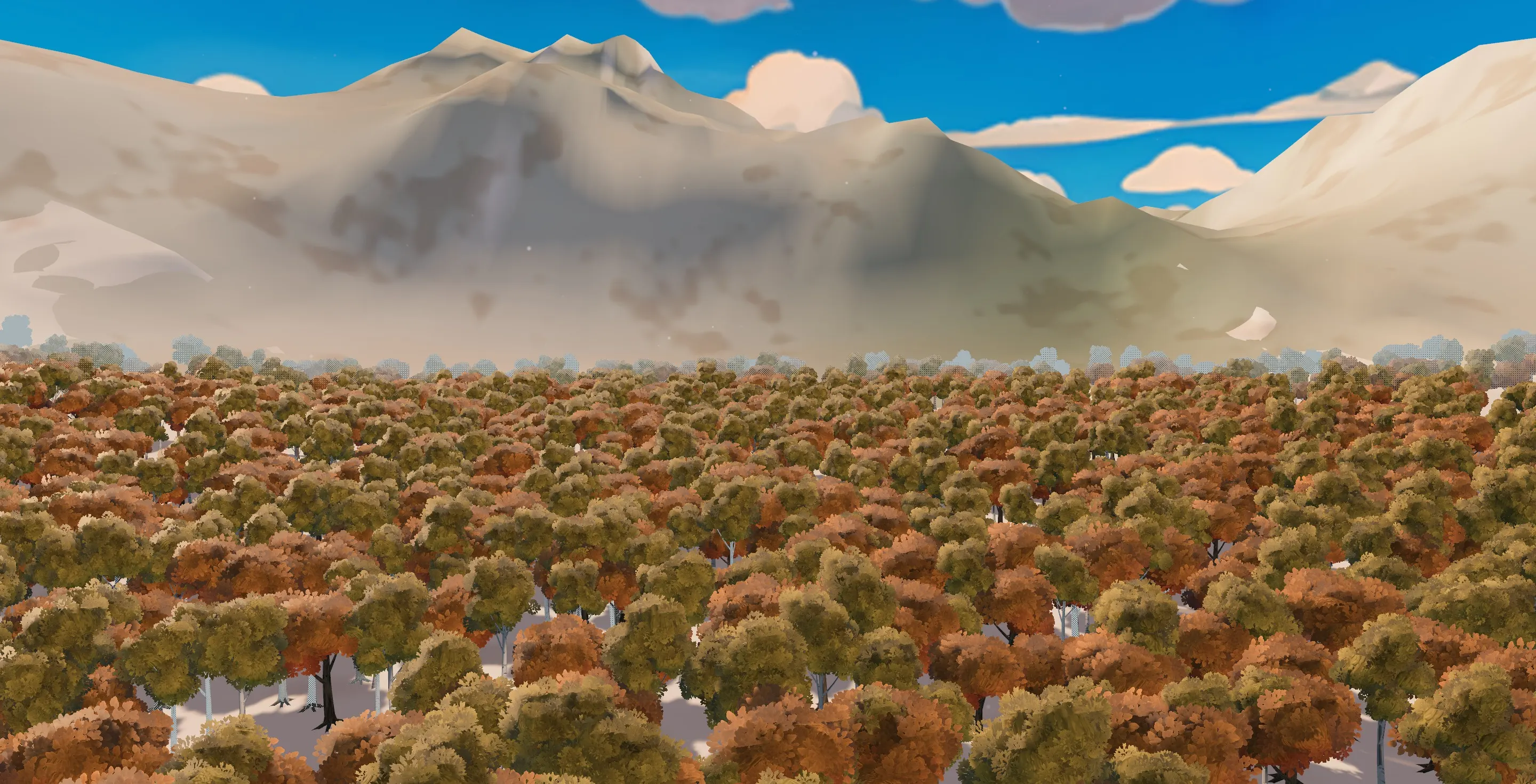
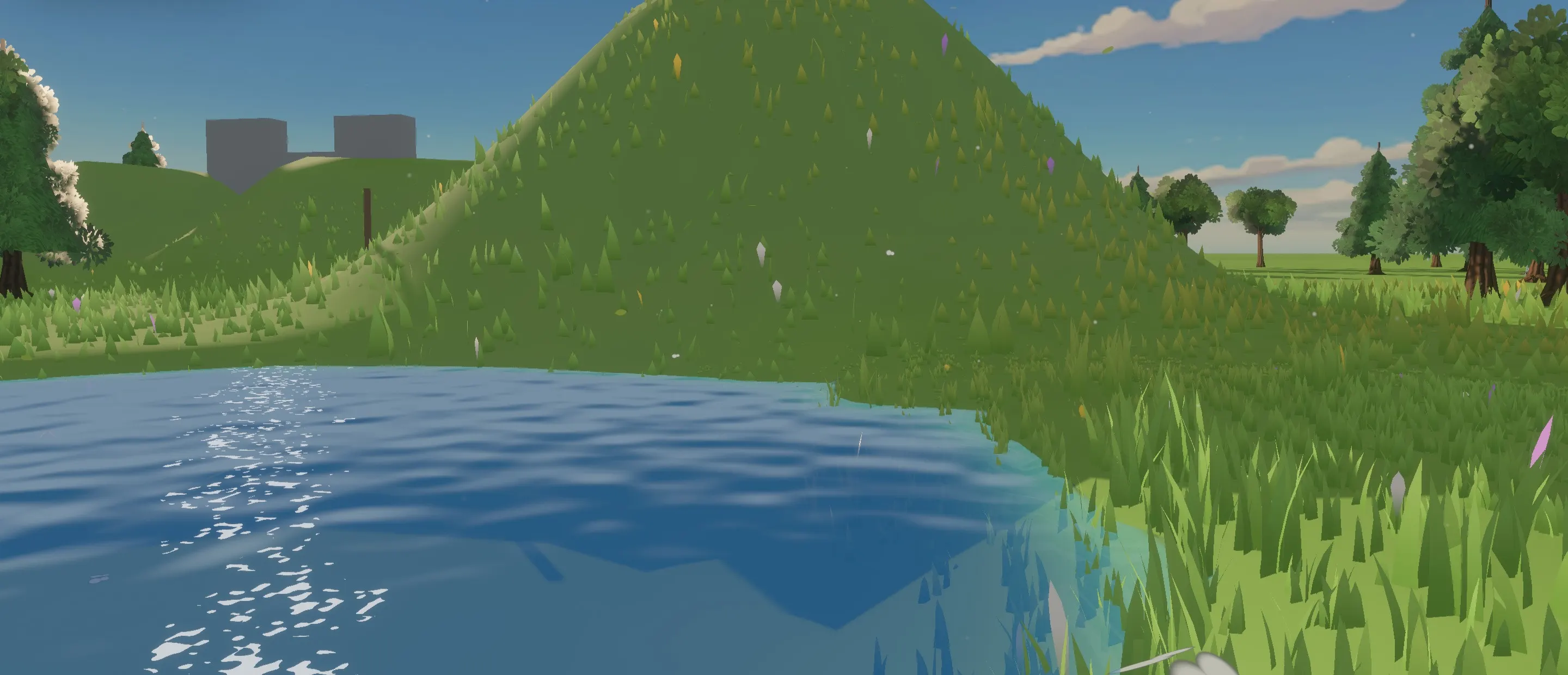
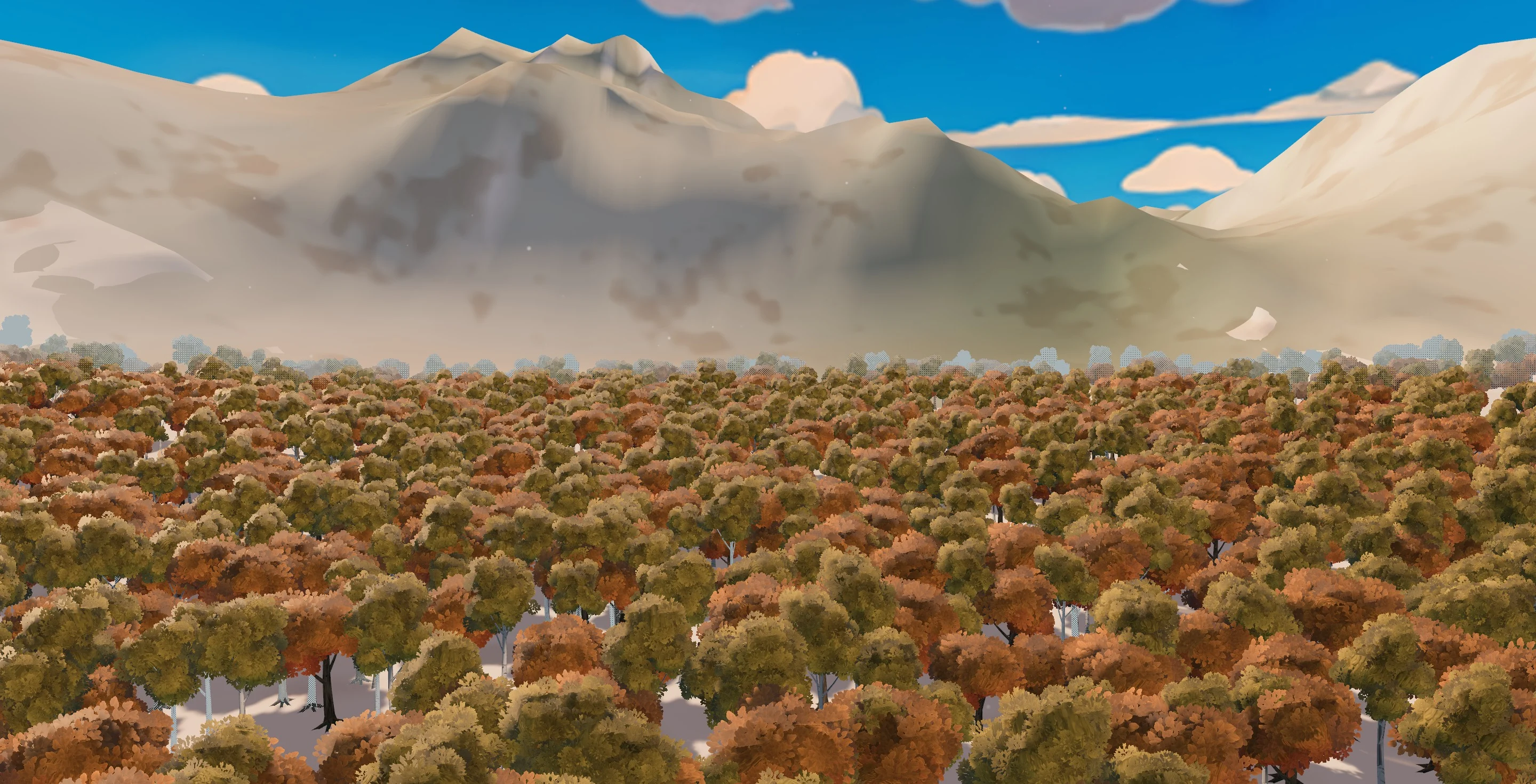
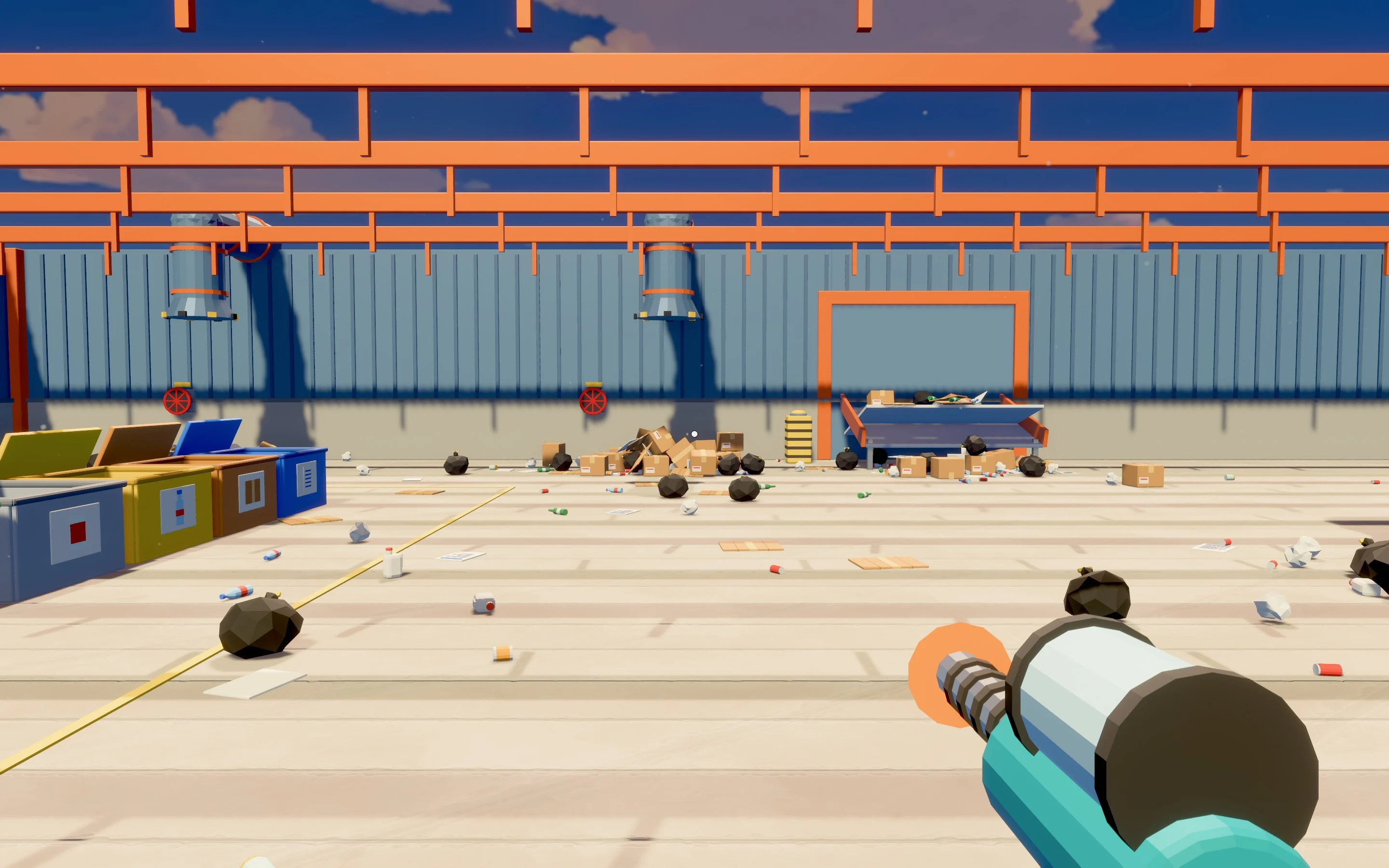
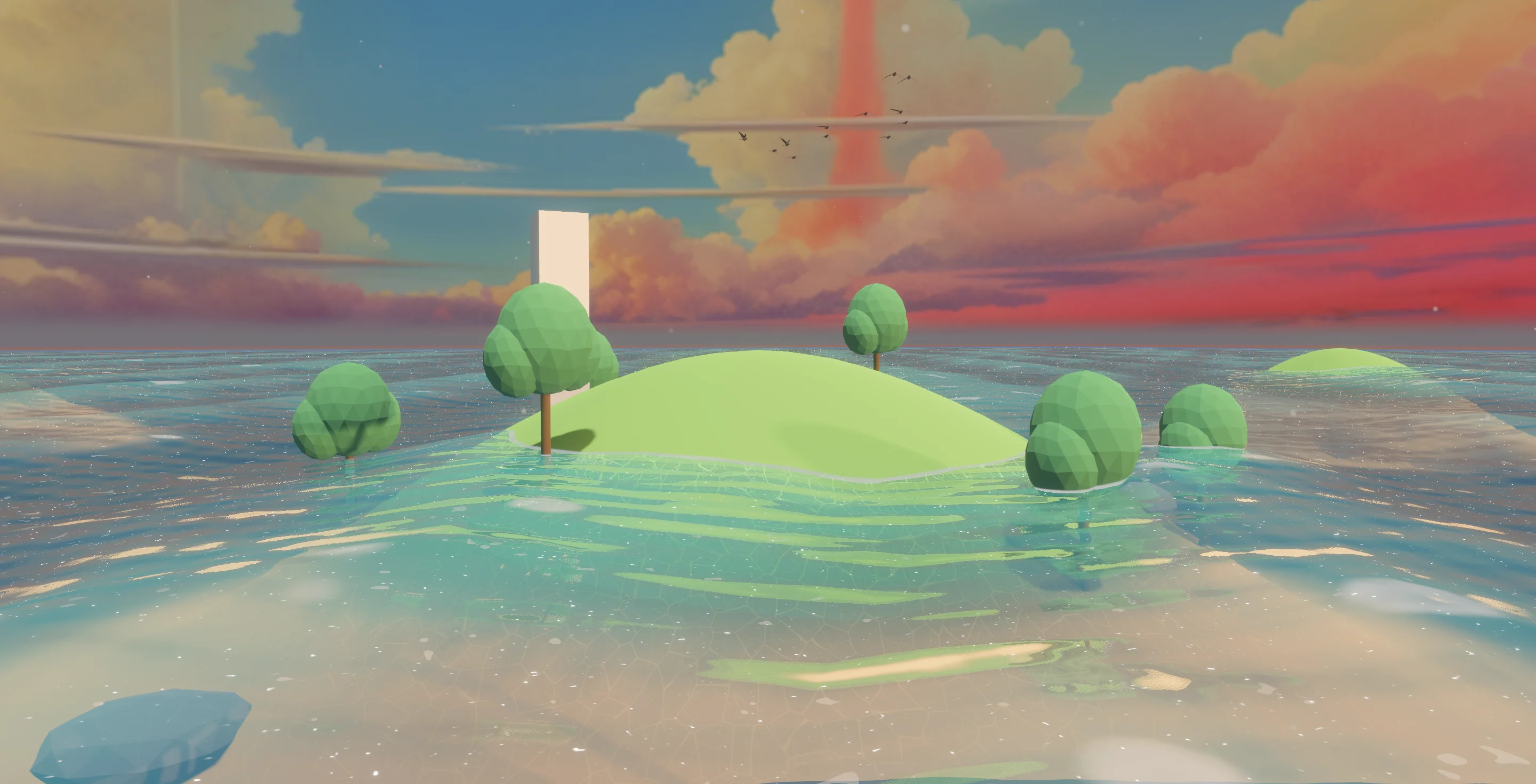
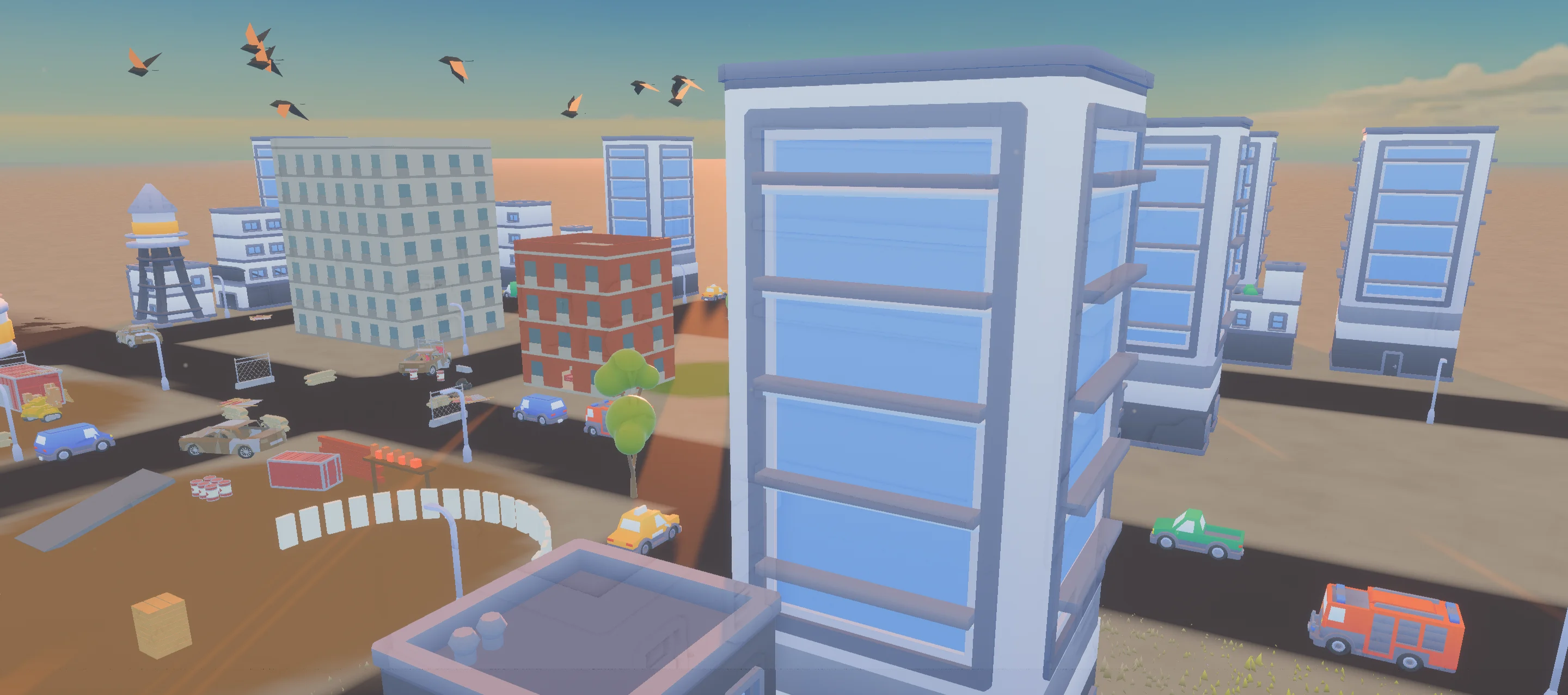
Every frame here is a real capture from Feather 2 — no renders, no concept art.



Systems that work together.
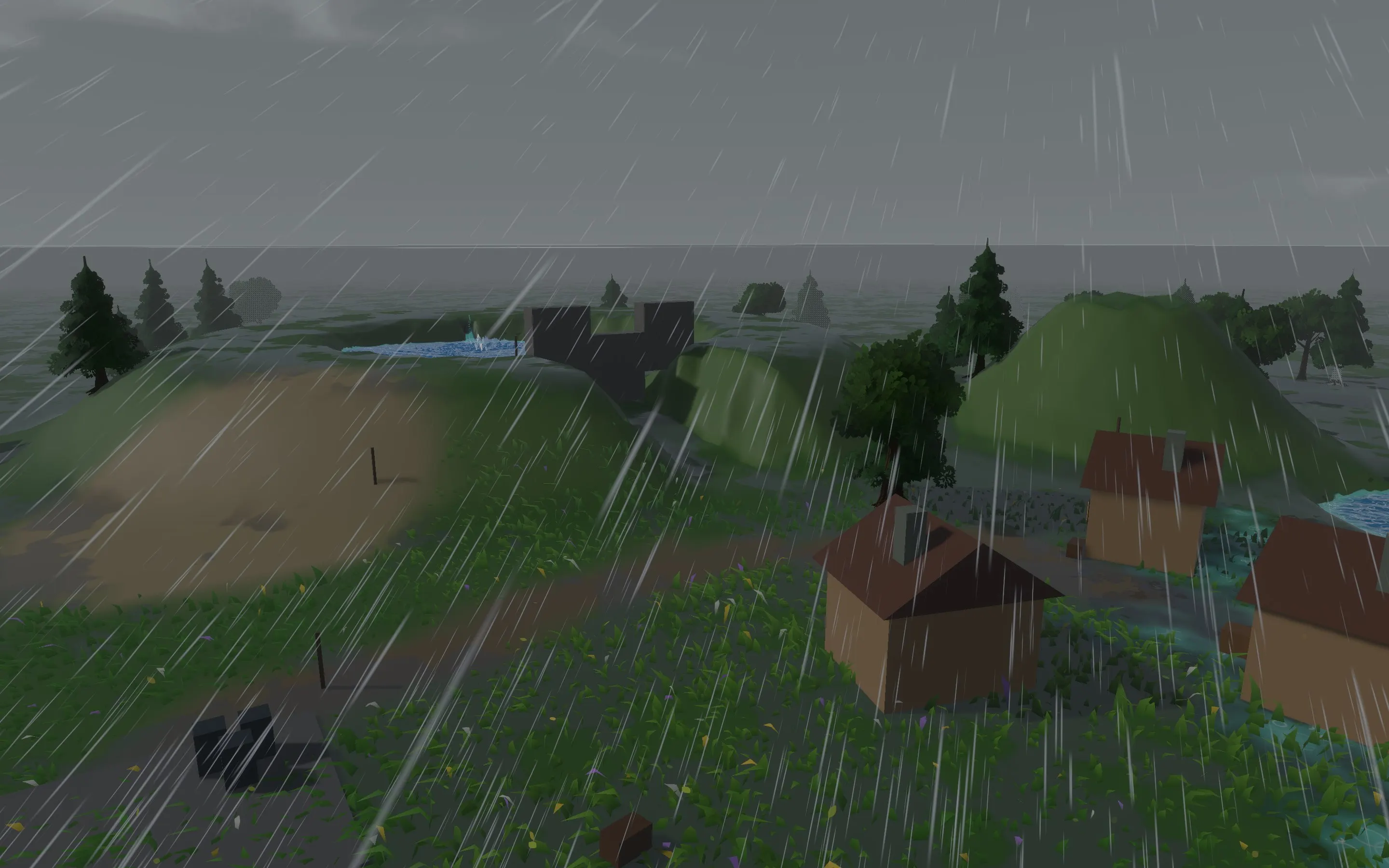
Weather, water, fire and foliage share one simulation, so they react to each other. Rain soaks the ground, wind moves the grass, and lava sets a meadow alight and hardens to rock where it meets water.
Like what you see? Get in early.
Start with the game, not the basics.
26 systems ship with the engine. Each one works on its own, connects to the others and is documented end to end.
Gameplay
8
Player & traversal · Combat · Items & inventory · Interaction · Story & quests · Abilities & attributes · Game modes & pawns · 3D platformer kit
Simulation
6
AI & navigation · Vehicles & boats · Physics & destruction · Water & liquids · Sky, weather & climate · Wind
World & visuals
5
Landscape · World generation · Materials & lighting · Effects · Animation
Production
7
Sequencer · Audio · Game UI & localisation · Saves & settings · Data tables · Script debugger · Profiler & export
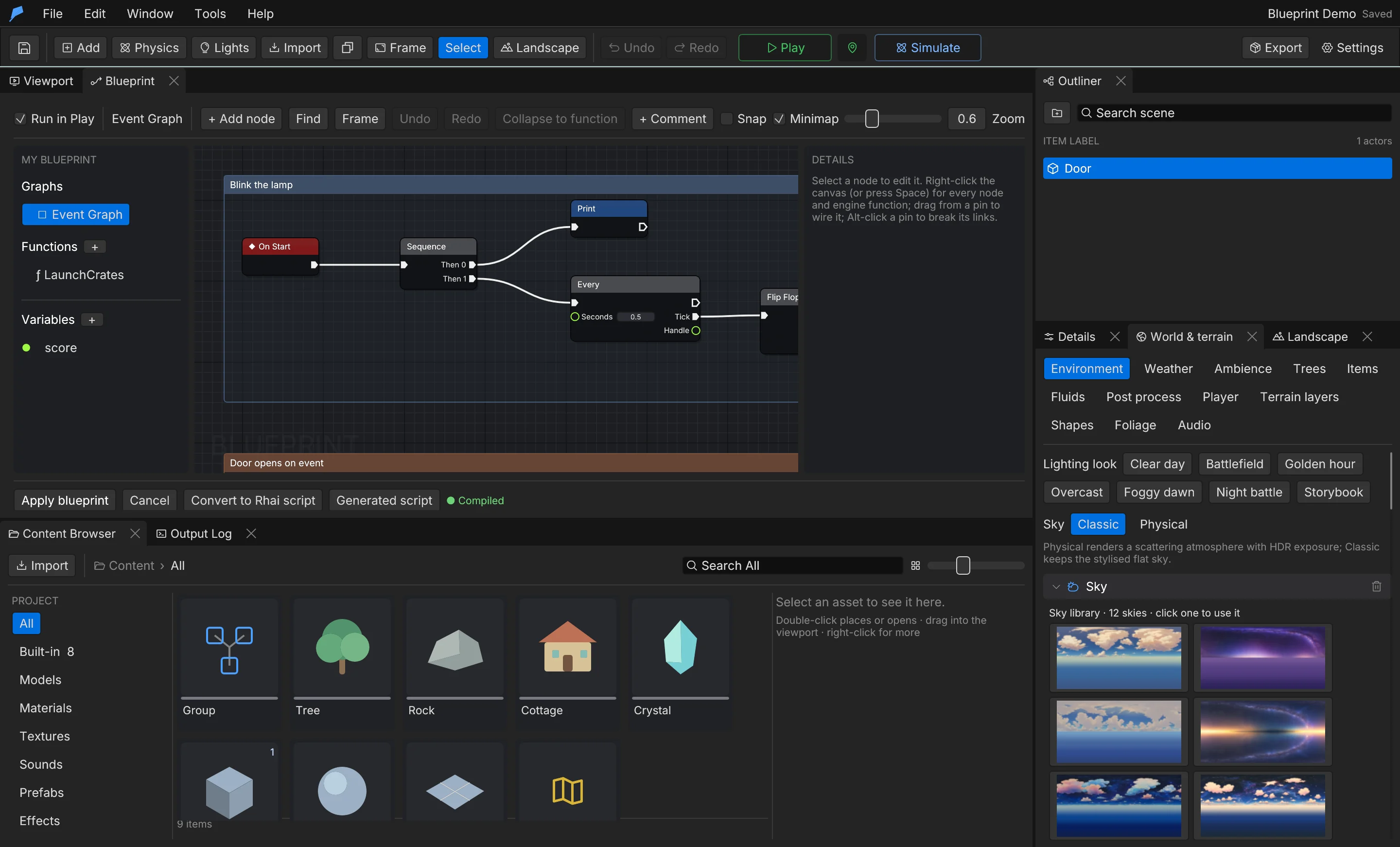
Three ways to make it yours.
- 01
Tune it in the editor
Every system is project data with its own panel. Change a weapon, a quest or the weather without touching code.
- 02
Extend it with logic
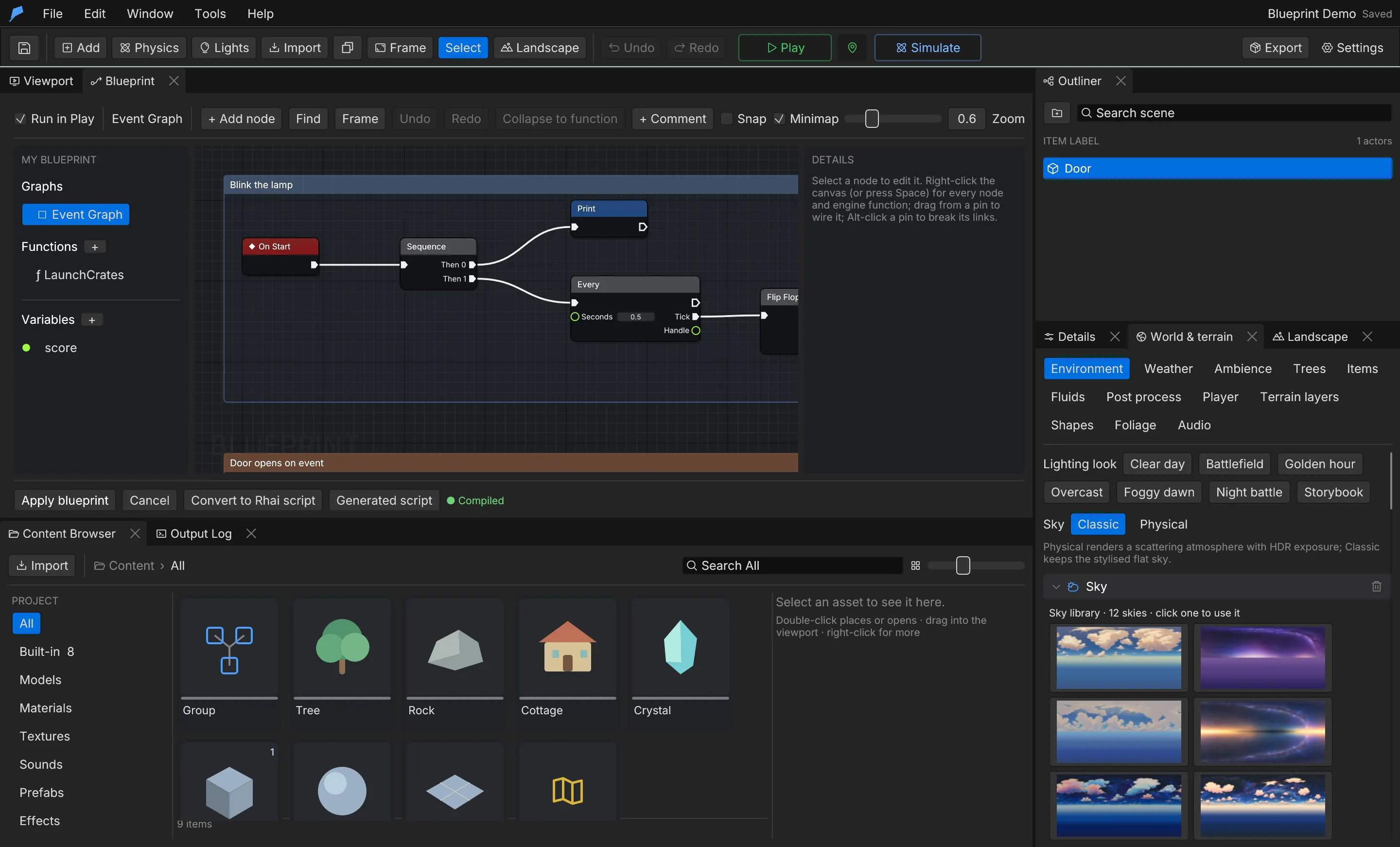
Add behaviour with Rhai scripts or visual Blueprints. Both run the same way in Play and in your exported game.
- 03
Automate it with agents
Each edit is a validated command with undo and revisions, so an AI agent can make the same change safely.
Good questions.
Is Feather free?
Yes. The engine is free. Join the waitlist and we'll send you a preview build as soon as invites open.
How is Feather different from other game engines?
Most engines give you a renderer, physics and an editor, then leave the game to you. Feather also ships 26 working game systems (player, combat, inventory, vehicles, weather, saves and more), a Store of ready-made assets inside the editor, and 319 commands your AI agents can use. You start from something that plays.
What is the Feather Store?
A library of ready-made models and sounds inside the editor: 862 items in 43 packs today, from the games we build in Feather, plus 6 complete projects that open as a new project of your own. 140 items and every starter project are free for everyone, and Feather Pro opens every pack. It comes with the engine, so the waitlist gets you both.
Which platforms does Feather run on?
The preview is built and verified for macOS (Apple Silicon). The engine is written to build on Windows and Linux as well, and Windows builds are in progress.
When can I try it?
Feather 2 is in private preview. We open builds to the waitlist in small groups so we can support every team, and email you when your invite is ready.
Do I need AI to use it?
No. Everything works by hand in the editor. The CLI and MCP server are there when you want an agent to build, test or automate alongside you.
What kind of games is it for?
Stylised games of any size, from small physics toys to large streamed worlds. The built-in systems cover the player, combat, vehicles, water, weather, story, UI, saves and more.
Can I use my own models and code?
Yes. Import GLB (glTF 2.0) models, textures and sounds, and add behaviour with Rhai scripts or visual Blueprints.
Is there documentation?
Yes, and you can read it today: a guide for every system, the full command reference, and AI-readable versions for your tools.
Get early access.
Feather 2 is free and in private preview. Join the waitlist and we'll invite you as builds open up.
- Preview builds for macOS (Apple Silicon)
- 8 playable example worlds to take apart
- The CLI and MCP server for your AI tools
- Full documentation, readable today